Useful shortcuts that boost your productivity
This brief technical blog will demonstrate current keyboard shortcuts on Proxyman.
By pressing certain key combinations, we hope Proxyman can boost your debugging productivity 👏
Symbols for certain keys on Proxyman menus:
| Name | Symbol |
|---|---|
| Command (or Cmd) | ⌘ |
| Shift | ⇧ |
| Option (or Alt) | ⌥ |
| Control (or Ctrl) | ⌃ |
| Caps Lock | ⇪ |
1. Simple shortcuts
- Command-C : Copy URL, Copy cURL, Copy as
- Command-X : Cut selected items to Clipboard
- Command-V : Paste selected items
- Command-A : Select all items
2. View shortcuts
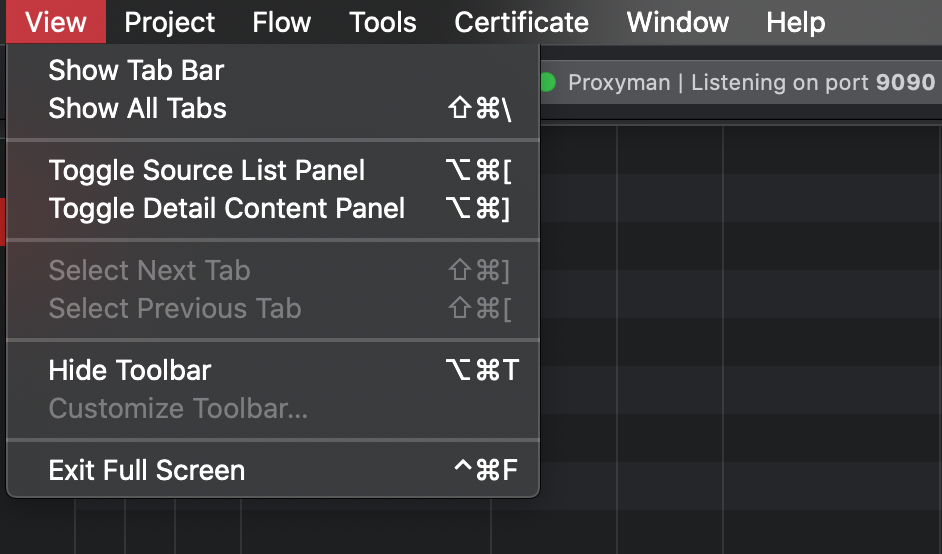
Toolbar -> View
- Shift-Command-\ : Show all current tabs
- Shift-Command-] : Select next tab
- Shift-Command-[ : Select previous tab
- Option-Command-[ : Toggle Source list panel
- Option-Command-] : Toggle Flow content panel
- Option-Command-T : Hide Toolbar
- Control-Command-F : Exit full screen
3. Project Shortcuts
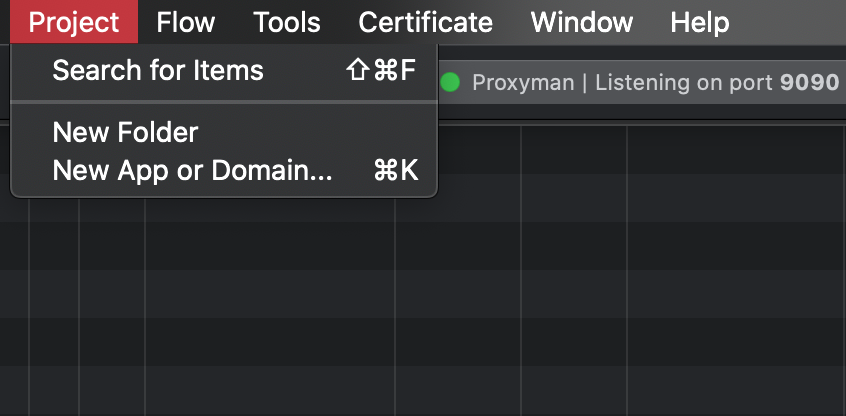
Toolbar -> Project
- Shift-Command-F : Search for specific apps/domains
- Command-K : Add new apps/domains into your project
4. Flow shortcuts
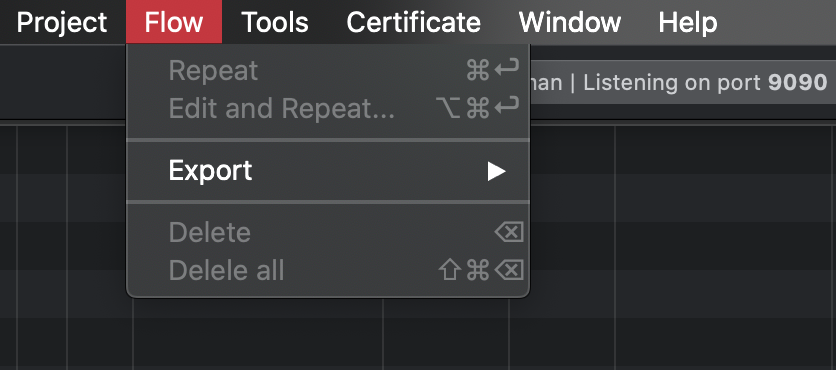
- Command-Enter : Repeat a selected request
- Option-Command-Enter : Edit and Repeat a selected request
- Delete: Delete selected flow(s)
- Shift-Command-Delete : Delete all flows on current workplace
- Export requests to HAR file
5. Tool Shortcuts
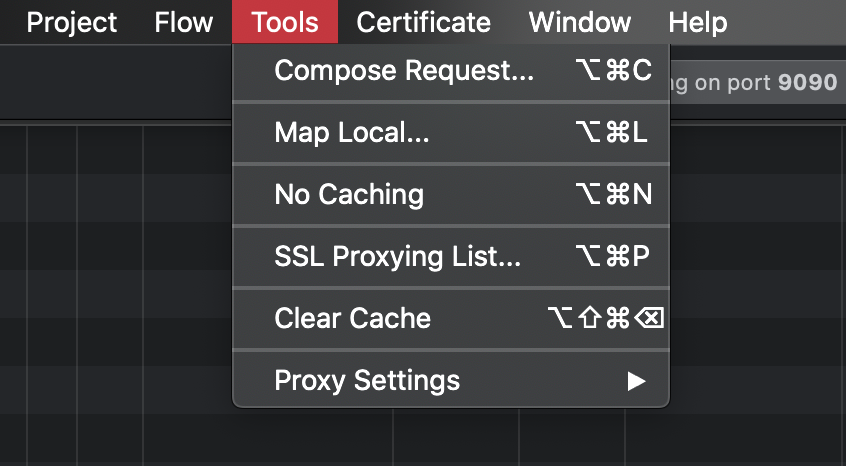
- Option-Command-C : Compose a new Request
- Option-Command-L : Map local tool to manipulate responses
- Option-Command-N : No Caching
- Option-Command-P : SSL Proxying
- Option-Shift-Command-Delete : Clear Cache
That’s how you can use Proxyman hotkeys to improve your productivity.
Helpful hint
Shortcuts can change when a tool moves or a new version is released. Open the app menu to see the current shortcut beside each command, or use the Command Palette to search for the action by name. Start with two or three actions you use every day instead of trying to remember the whole list.
There would be more blogs about Proxyman tips coming new weeks so please stay tuned =) Happy Debugging!
Proxyman is a high-performance macOS app, which enables developers to capture and inspect HTTP/HTTPS requests from apps and domains on iOS device, iOS Simulator and Android devices.
Get it at https://proxyman.com