How to map a Local Response for GraphQL Requests?
This mini-blog would demonstrate how to map a Local Response for GraphQL Requests.
1. Problem
In general, GraphQL requests use the same Endpoint to receive different responses. The Query in Request's body will determine which type of data should be queried in the server. Therefore, current debugging tools (e.g. Map Local, Breakpoint, Map Remote, etc) might not work well since these tools use URL Matching.
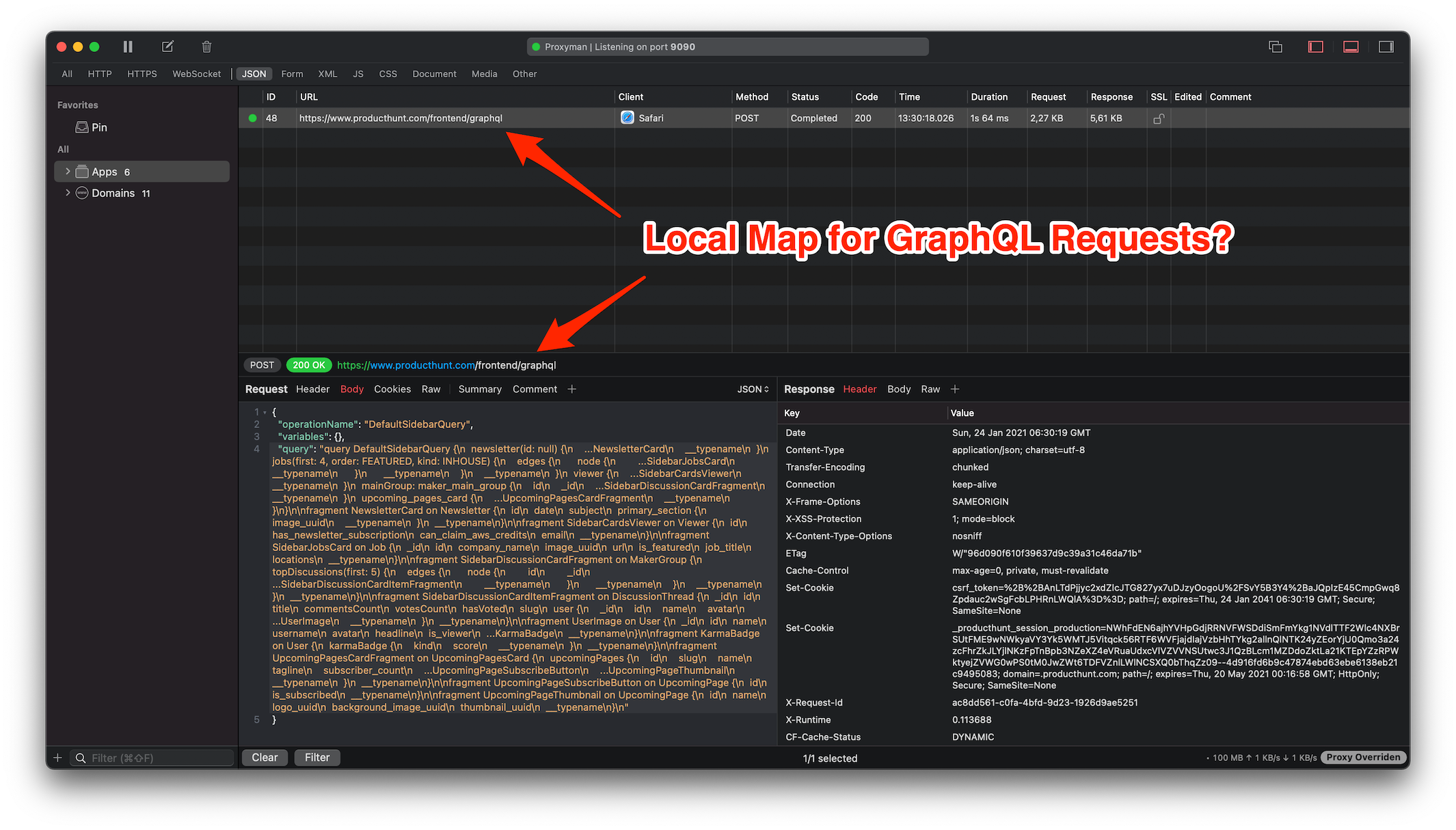
2. Scripting Tool is a rescuer
In order to map a Response to certain GraphQL requests, we highly recommend using the Scripting tool.
The scripting tool allows the developer to use Javascript to manipulate the HTTP Request/Response in a flexible way. Let images that we can use Script to do the same thing of Breakpoint, Map Local, Map Remote, and more with Javascript Code 👀
By using the Scripting Tool, we can easily achieve:
- Map Local for the response depends on QueryName
- Manipulate the query, body, header for GraphQL Requests and Response
If you're new to the scripting tool, let check out the Document, Addons, and Snippet Code.
3. Map Local Response with GraphQL Requests
Map a Response for /user Query
- Open Proxyman app and enable SSL Proxying on the GraphQL domain
- Verify that you can see HTTPS requests from your domain
- Right-Click on the flow -> Tool -> Scripting to create a script with the given URL
- To import a local file: Click the More button -> Import JSON or Other files -> Then selecting your file
- Use the following script shows you how to set a Local File to a GraphQL request with QueryName="user"
// Import file from More Button -> Import JSON or Other files
const file = require("@users/B02D96D5.default_message_32E64A5B.json");

function onRequest(context, url, request) {

// 1. Extract the queryName from the request
var queryName = request.body.query.match(/S+/gi)[1].split('(').shift();

// 2. Save to sharedState
sharedState.queryName = queryName

// Done
return request;
}

function onResponse(context, url, request, response) {

// 3. Check if it's the request we need to map
if (sharedState.queryName == "user") {

// 4. Import the local file by Action Button -> Import
// Get the local JSON file and set it as a body (like Map Local)
response.headers["Content-Type"] = "application/json";
response.body = file;
}

// Done
return response;
}
As a result, all GraphQL requests that have the Query is user will return the local Response that we've defined.
4. What's next
If you're wondering that what the Scripting can do, please check out the Snippet Code.
Helpful update
Prefer a named GraphQL operation, such as query UserProfile, because it is easier to match than an anonymous query. Current Proxyman versions can show the operation name and use GraphQL-aware rules in supported tools. If you keep the script above, test it with variables, aliases, and a request that has no operation name so an unexpected body does not stop the script. Also make sure the local response is valid JSON and follows the same data or errors shape as the real API.
Proxyman is a high-performance macOS app, which enables developers to capture HTTPs traffic on iOS device, iOS Simulator and Android devices.
Get it at https://proxyman.com