Proxyman 26.3.0 blocks servers that use the compromised eMudhra certificates
4 min read
Proxyman 26.3.0 for macOS now blocks servers that use the compromised eMudhra certificates 🔒
Last week, the private keys of 8 eMudhra intermediate certificates leaked. Browsers and operating systems stopped trusting them within days. But apps that send their traffic through Proxyman didn't get that protection, until now.
This blog covers:
- What happened with eMudhra.
- Why traffic through Proxyman was still affected.
- How Proxyman 26.3.0 fixes it.
- How to test the fix yourself.
The fix is in Proxyman 26.3.0 for macOS. Proxyman for Windows and Linux get the same fix this week.
1. What happened?
eMudhra is a Certificate Authority (CA). A CA signs the certificates that prove a website is real. Your browser trusts a website because a trusted CA signed its certificate.
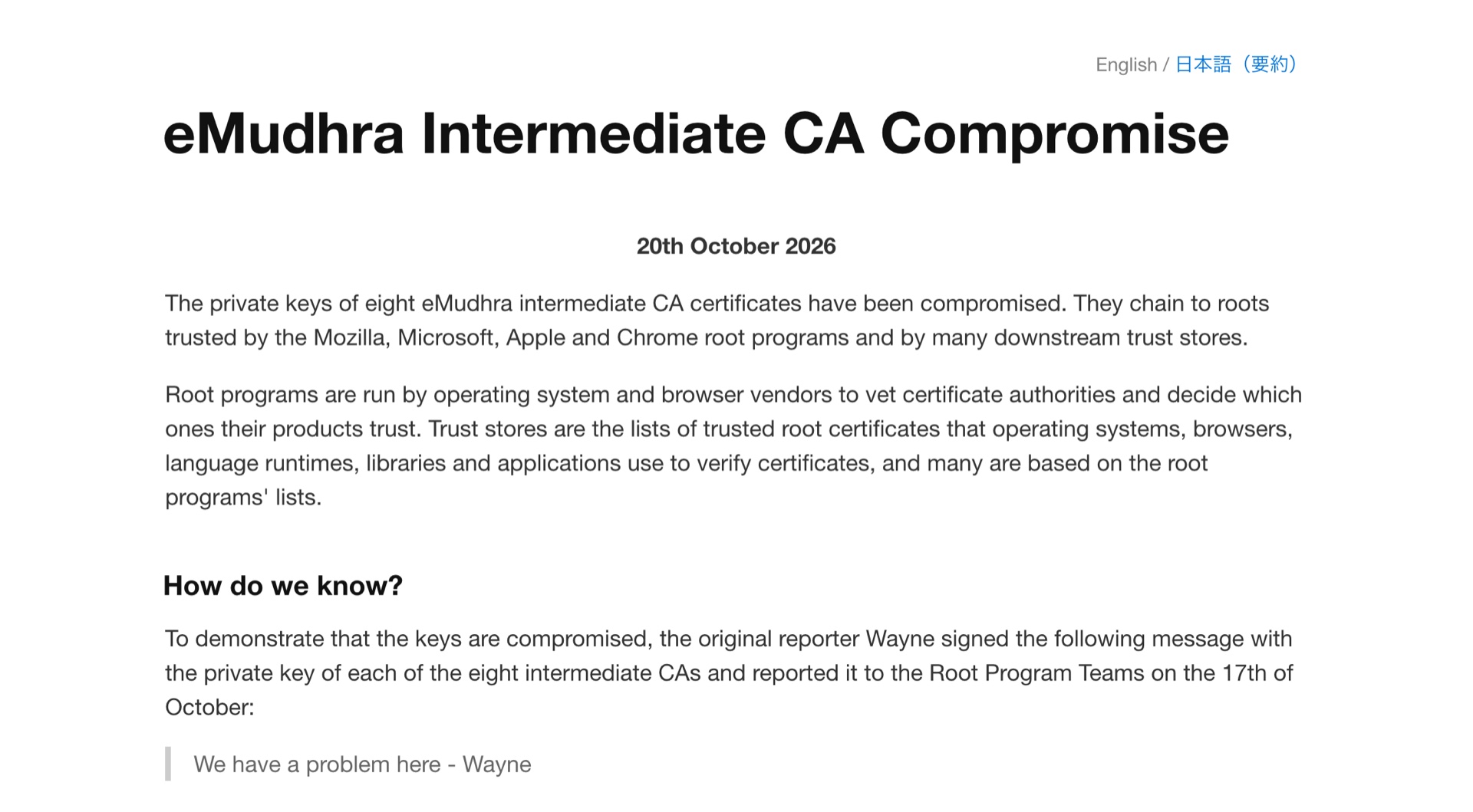
On 20 October 2026, a security researcher published that the private keys of 8 eMudhra intermediate certificates were generated incorrectly. Anyone can recover these keys from the public certificates.
With one of these keys, an attacker can make a certificate for any website, like your bank or your company's API. Any app that still trusts eMudhra accepts it as real.
The response was fast:
- Chrome and Firefox blocked the 8 certificates. Microsoft and Apple followed a few days later.
- eMudhra revoked them, and Sectigo revoked the copies it signed.
So if you use an up-to-date browser or OS, you're protected. But there was one gap: proxies.
2. Why traffic through Proxyman was still affected
Proxyman sits between your app and the server. To show you the HTTPS traffic, it makes two connections:
- Your app → Proxyman: Your app sees a certificate made by Proxyman, signed by the Proxyman CA that you installed and trusted.
- Proxyman → the server: Proxyman receives the real certificate of the server.
On the second connection, Proxyman accepted any certificate. That's on purpose: you often debug a local or staging server with a self-signed certificate, and Proxyman should never get in your way.
But here is the problem: your app never sees the real certificate of the server. It only sees the certificate from Proxyman. So even after Apple, Google, and Microsoft blocked the eMudhra certificates, a request through Proxyman to a server that uses them still went through.
A team reported this in issue #2797. Their company had put protections in place against the leaked certificates. If someone turned on Proxyman and forgot to turn it off, they would skip those protections without knowing. Thanks for the report and for explaining the risk so clearly 🙏
3. How Proxyman 26.3.0 fixes it
First, we checked if the TLS library that Proxyman uses (SwiftNIO SSL) had a fix. It didn't. And a library update wouldn't help anyway, because Proxyman skipped the certificate check on purpose. So we fixed it on our side.
Proxyman 26.3.0 has a built-in block list of the 8 compromised eMudhra certificates, including the copies signed by Sectigo. When Proxyman decrypts HTTPS or WebSocket (WSS) traffic with SSL Proxying, it checks the certificate chain of every server:
- If a certificate in the chain uses one of the leaked keys, Proxyman closes the connection.
- If the server only sends its own certificate, Proxyman checks who signed it. If one of the leaked keys signed it, Proxyman closes the connection too.
- For every other server, nothing changes.
| Server certificate | Before 26.3.0 | Proxyman 26.3.0 |
|---|---|---|
| Uses a compromised eMudhra certificate | Connects | Blocked |
| A normal certificate, like github.com | Connects | Connects |
| Self-signed, like your local server | Connects | Connects |
The check runs once when Proxyman connects to a server, and it's very fast.
When Proxyman blocks a server, your app gets a 502 Bad Gateway that says why. You'll see it in the next step.
4. Test it yourself
The researcher runs test servers that use the leaked certificates. You can use one to check your setup:
- Update to Proxyman 26.3.0 from the download page, or from Proxyman → Check for Updates….
- Enable SSL Proxying for
dv-g3b-emudhra.we-have-a-problem.com. - Send a request through Proxyman. Proxyman runs on port 9090 by default:
curl --proxy http://localhost:9090 https://dv-g3b-emudhra.we-have-a-problem.com/
You get:
Bad Gateway: Blocked dv-g3b-emudhra.we-have-a-problem.com:443 because its certificate chain uses a compromised eMudhra CA key
Try the same command with https://github.com/. It works as before.
If SSL Proxying is off for a domain, Proxyman doesn't decrypt the traffic. It passes the encrypted connection through, and your app checks the certificate itself, as if Proxyman wasn't there.
5. Good to know
- Windows and Linux: Proxyman for Windows and Linux get the same fix this week.
- Self-signed certificates still work. Proxyman only blocks the leaked eMudhra certificates. Your local and staging servers work as before.
- Proxyman is a debugging tool. It doesn't replace the security checks of your company. When you finish debugging, quit Proxyman or turn off its system proxy.
Read more
- eMudhra Intermediate CA Compromise: the full details and the list of affected certificates
- eMudhra statement on the incident
- GitHub issue #2797
- SSL Proxying docs
- Proxyman changelog