SSL Proxying
Set up SSL Proxying in Proxyman to decrypt and inspect HTTPS traffic from selected apps and domains, using host names or wildcard rules.
SSL Proxying tells Proxyman which apps and domains to decrypt, so you can read their HTTPS requests and responses in plain text.
For HTTP/2 traffic on macOS, also enable Use HTTP/2 in Settings. See the HTTP/2 guide for setup and protocol checks. Certificate trust and SSL Proxying are still required to inspect HTTPS content.
Video
1. SSL Proxying List
The SSL Proxying List is a list of domains or apps whose SSL connections Proxyman should decrypt. It lets you inspect HTTPS requests and responses in plain text.
Include List and Exclude List
You can define rules for:
- Include List: Intercept the traffic from apps/domains in the Include List
- Exclude List: Ignore all traffic from apps/domains in the Exclude List
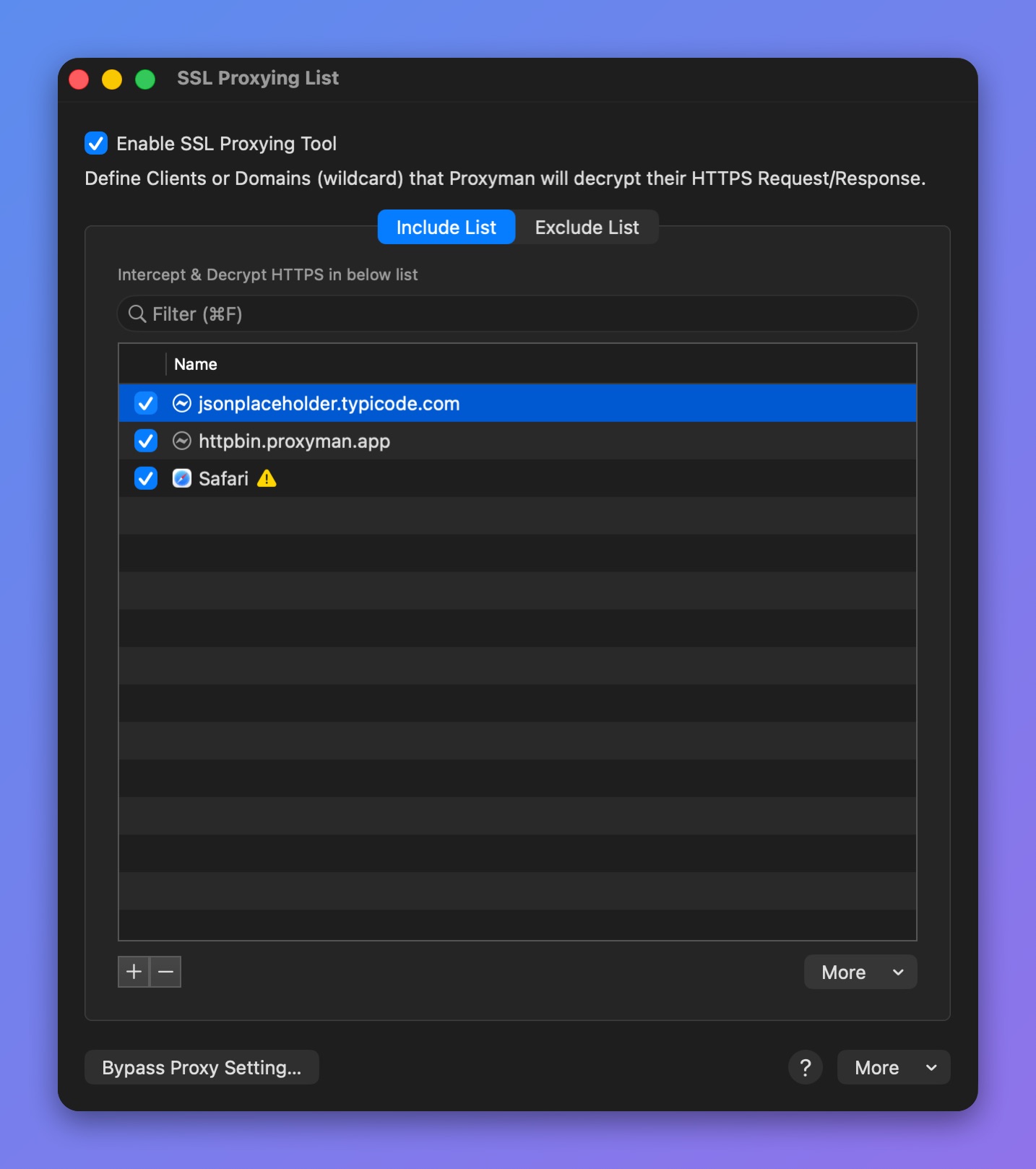
SSL Proxying Include List
Press ⌘⌥P to quickly open the SSL Proxying List.
Apps / Domains / Wildcards
Proxyman supports several formats to define a rule:
- By app: Intercept all traffic from this app
- By domain: Intercept all traffic from this domain
- Wildcard: Intercept traffic from every domain that matches the wildcard
For example:
| Wildcard | Description |
|---|---|
| * | Decrypt ALL HTTPS traffic |
| *.domain.com, *.apple.com | e.g. v1.domain.com, data.domain.com, health.apple.com, ... |
| v?.domain.com | e.g. v1.domain.com, v2.domain.com, ... |
You must set up the Proxyman Certificate before intercepting any HTTPS requests. Follow the macOS setup guide to install and trust the certificate.
How to enable SSL Proxying on a particular domain or app
- Right-click the app or domain in the left panel → Enable SSL Proxying. If it is already on, the menu shows Disable SSL Proxying instead.
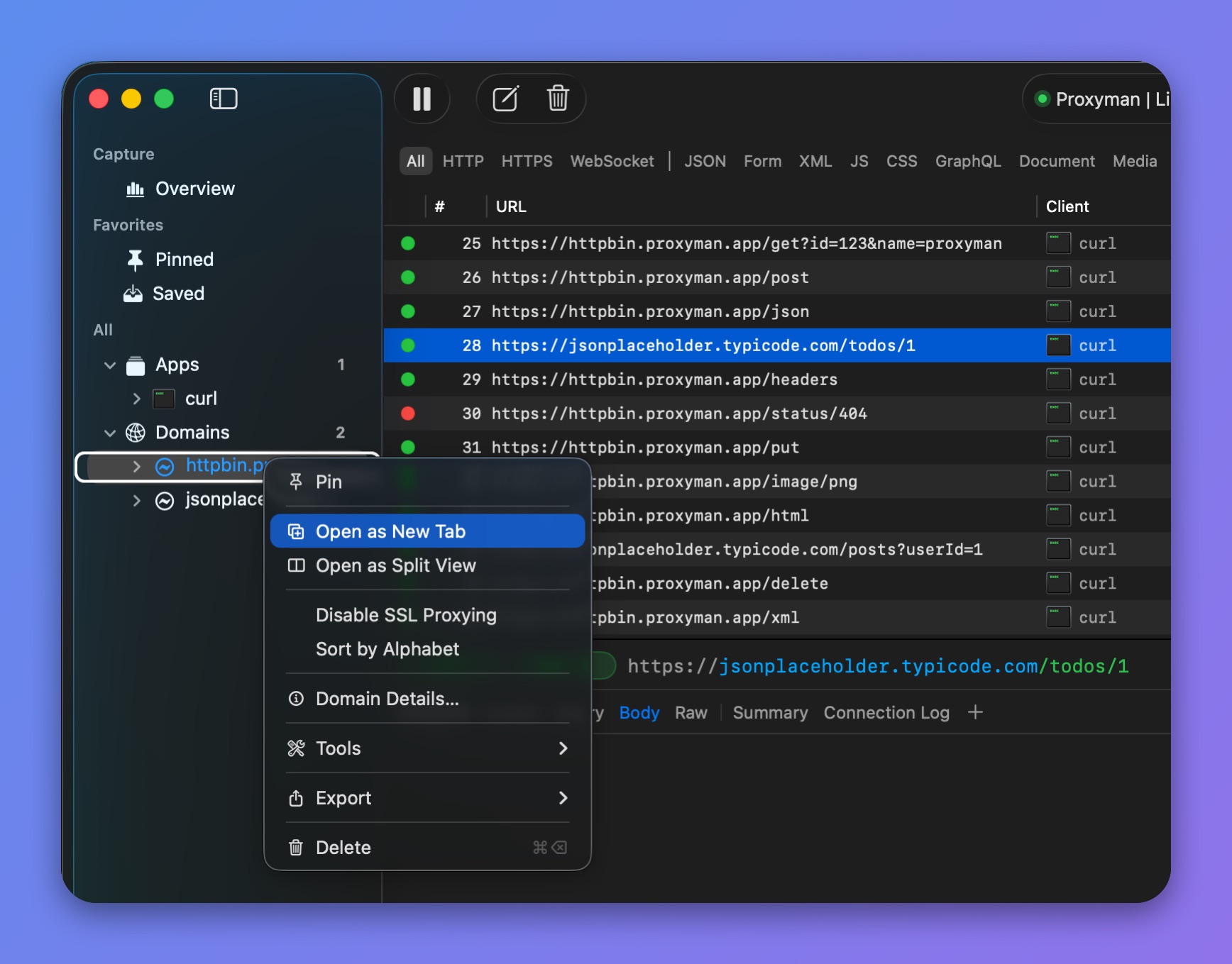
Sidebar menu for a domain
- Right-click the request in the main table → Enable SSL Proxying
- Select the request and enable SSL Proxying in the Response panel.
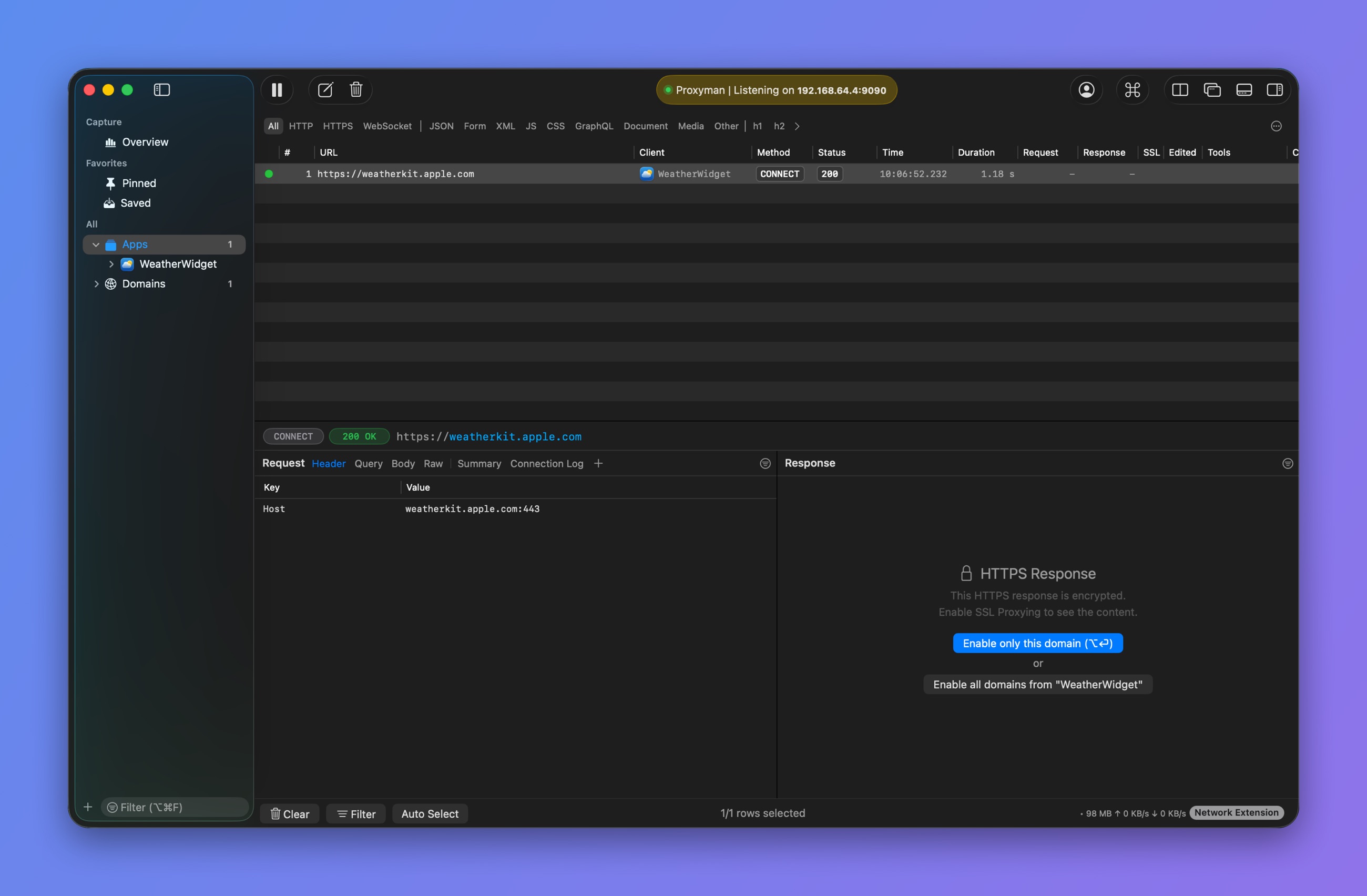
Enable the entire app or a single domain