Diff
Compare two HTTP requests or responses with the Proxyman Diff tool, side by side or unified, including the URL, headers, status code, and body.
1. What's it?
When you use Proxyman, you may need to find the differences between requests or responses. The Diff tool helps you:
- Diff two requests or responses, including the URL, method, status code, headers, and text-based body.
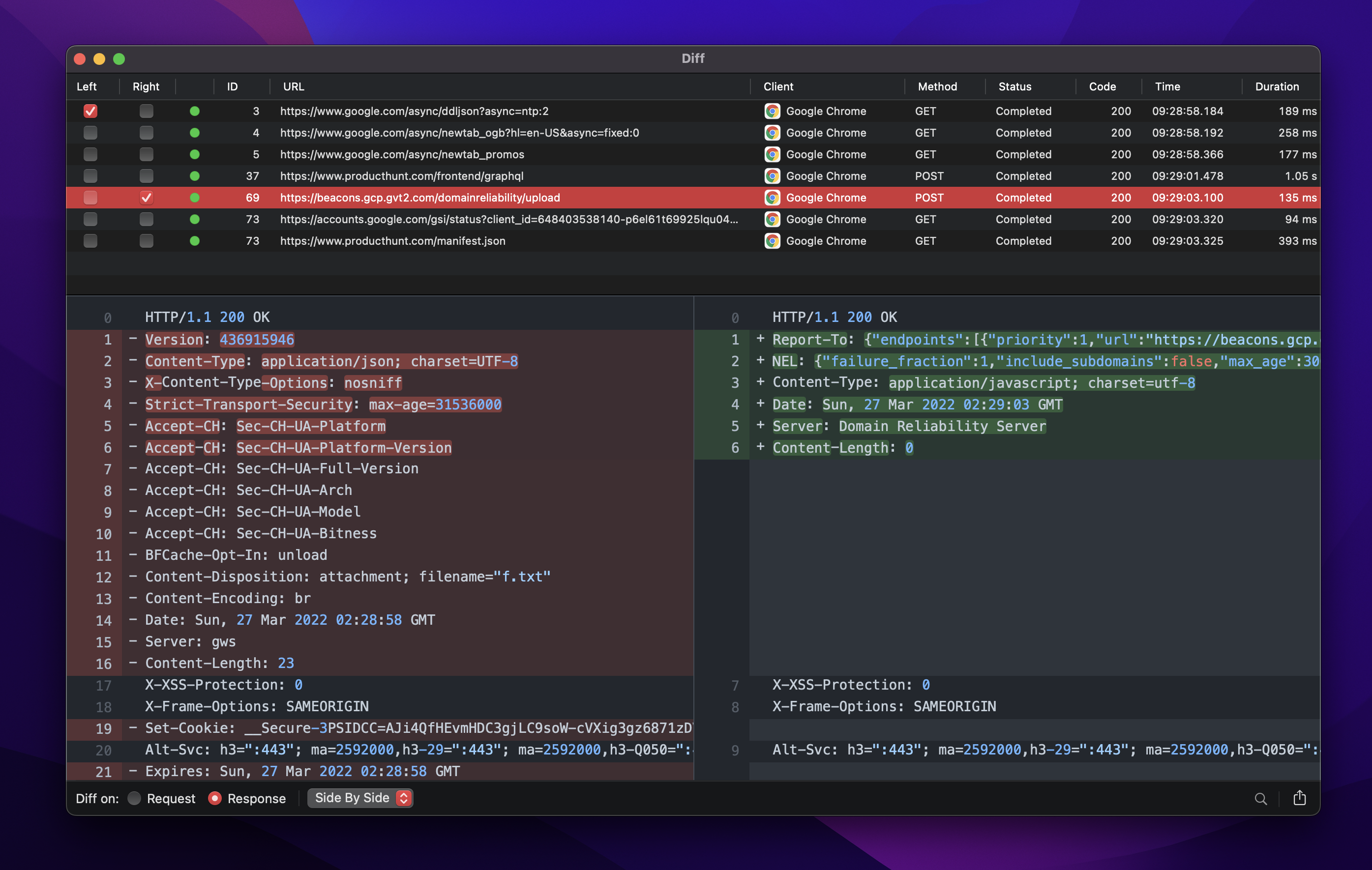
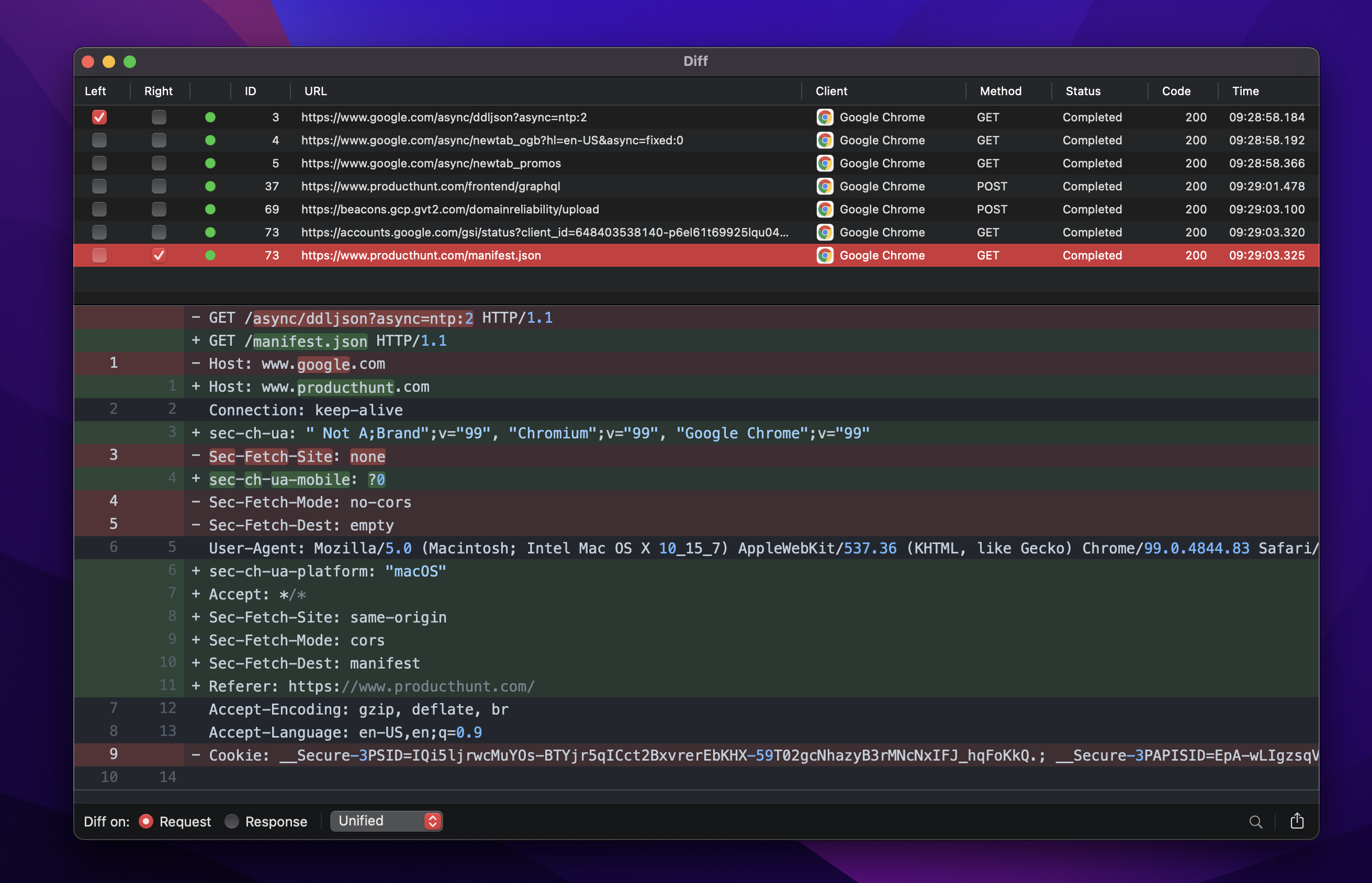
- Show the diff side by side or unified.
- Use a light or dark theme.
- Export as a unified diff file.
- Open the diff in 3rd-party apps, such as FileMerge.
- Highlight and add comments.
info
This feature is only available for macOS 11.2 and later.
2. How to use it?
- Select your requests on the main table view.
- Right-click -> Tools -> Add to Diff Pool… (or press ⌘Y)
- In the Diff window, select the Left and Right requests.
- Proxyman performs the diff and displays it.
You can open the Diff window at any time from the Diff menu -> Open Diff View… (⌥⌘Y).
Side-by-Side mode
Unified Mode
3. Open with 3rd-party diff tools
- FileMerge: requires Xcode
- Kaleidoscope: install the
ksdiffcommand-line tool from Kaleidoscope's settings.