*.local requests do not appear on Proxyman
*.local requests not showing in Proxyman? Remove *.local from the macOS bypass proxy list, or try Network Extension for local network servers.
1. Problem
- All requests appear in Proxyman, except some local requests (
*.localorlocalhost).
For .local servers on your local network, try Network Extension to capture HTTP/HTTPS traffic from Mac apps that bypass the system proxy. For localhost requests, use the setup guide below.
Network Extension is BETA and requires Proxyman PRO on macOS 26 or later.
2. Solution
- If it's a
localhostrequest, read the following page:
- If it's a
*.localrequest:
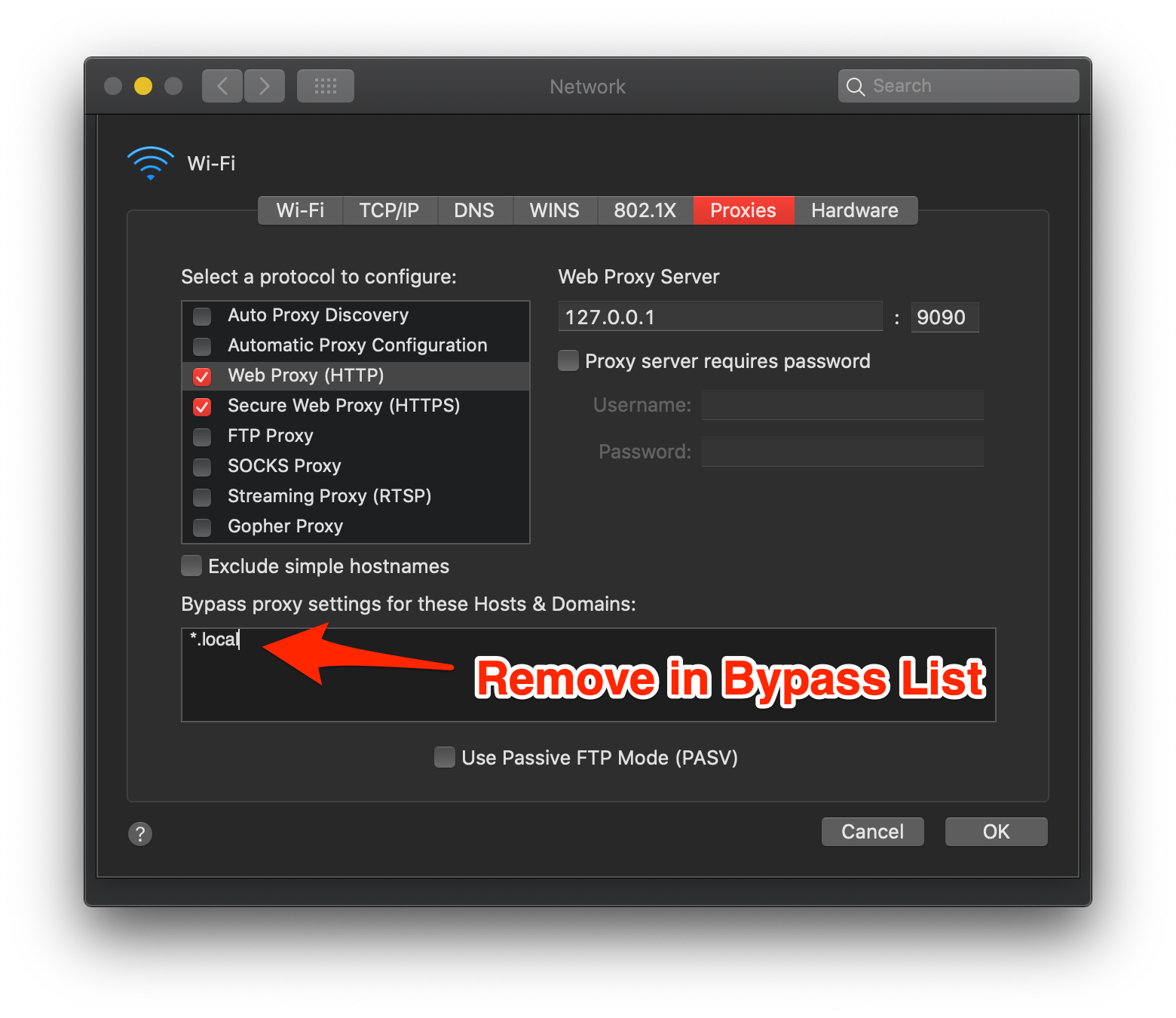
Open System Settings -> Network -> Wi-Fi -> Details… -> Proxies, then remove *.local from "Bypass proxy settings for these hosts & domains".
If you installed the Proxy Helper Tool, Proxyman uses its own Bypass Proxy List while it runs. Open Tools -> Proxy Settings -> Bypass Proxy Settings… in Proxyman and make sure *.local is not in the list.
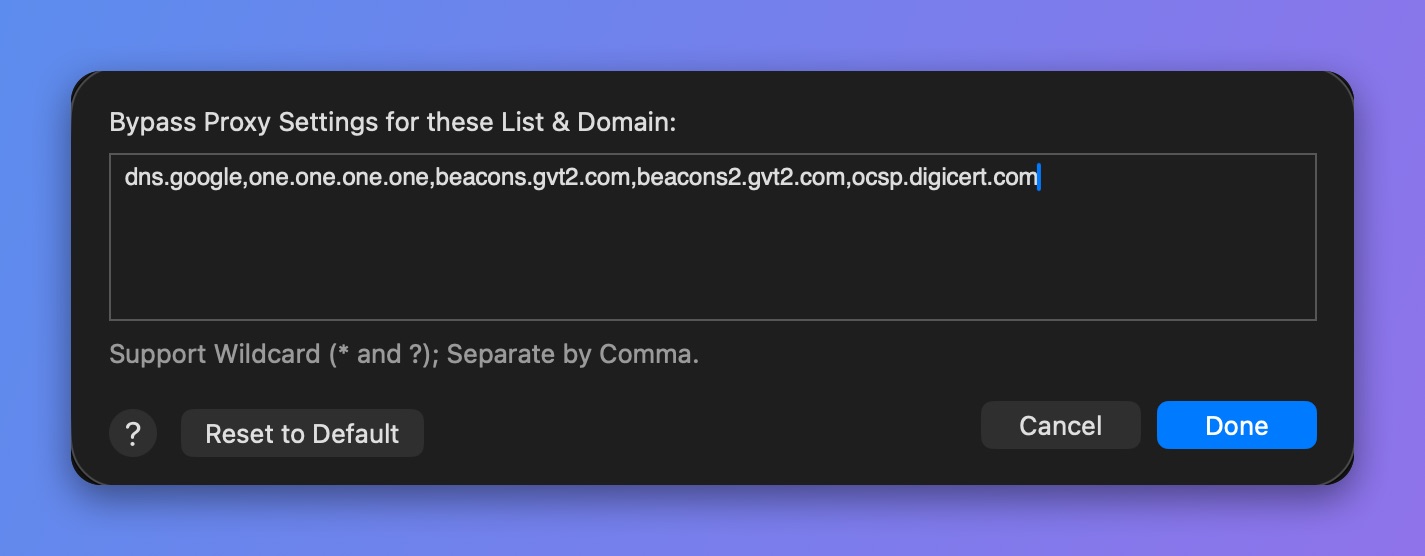
Bypass Proxy Settings in Proxyman