Repeat
Use Proxyman Repeat to resend a captured HTTP or HTTPS request with the same headers and body, so you can check the latest server response fast.
1. What's it?
The Repeat tool sends a captured HTTP request again with the same HTTP headers and body. You can see the new response without going back to your browser or client app.
2. What's it for?
- Quickly send an HTTP/HTTPS request again to see the newest response from the server.
- Test a change on your server without repeating the request by hand.
info
The Repeat tool only supports HTTP/HTTPS requests. Repeating WS/WSS traffic may fail.
info
The Breakpoint, Map Local, and Scripting tools can modify repeated requests if they match any rules.
3. How to use
- Right-click on one or more requests -> Repeat
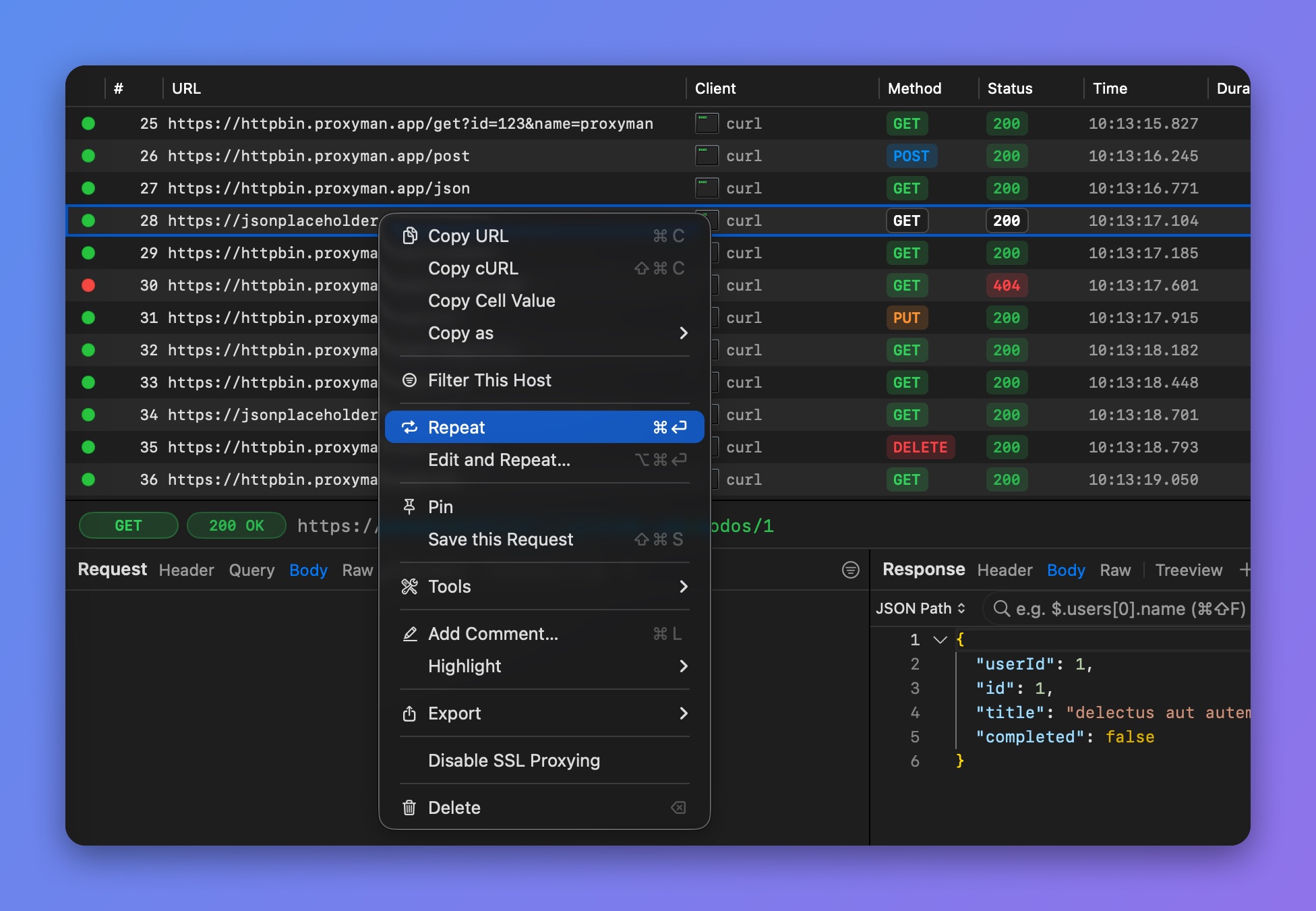
Right-click > Repeat
info
⌘ ⏎ : Repeat the selected request.
4. Settings
- Request Timeout: Open the Compose window -> click the ⋯ button at the bottom -> Request Timeout. Pick 15, 30, or 60 seconds, a custom value, or 0 (No Timeout). Repeated requests use the same timeout. Available on Proxyman 4.13.0 or later.
- Use No-Cache on Repeated Requests: In Settings -> Tools. Repeated requests ignore caching and always fetch the response from the server.