Publish to Gist
Publish selected Proxyman requests and responses to a public or private GitHub Gist, so you can share them with your team using one link.
1. What's it?
From Proxyman 2.28.0+, you can publish request and response data to GitHub Gist.
- Proxyman needs the "Read/Write Gist" permission to publish a Gist on your behalf.
- The first time, Proxyman opens the GitHub authorization page.
2. Benefit
- Instantly create a Gist from the selected requests and responses, and quickly share it with your colleagues.
- Supports Private and Public Gists.
- Only requires the "Read/Write Gist" permission. It doesn't ask for your email, username, or other permissions.
- The GitHub access token is stored securely in the Keychain.
Here is what a published Gist looks like: example Proxyman Gist
To choose between a private and a public Gist, open Proxyman -> Settings -> GitHub.
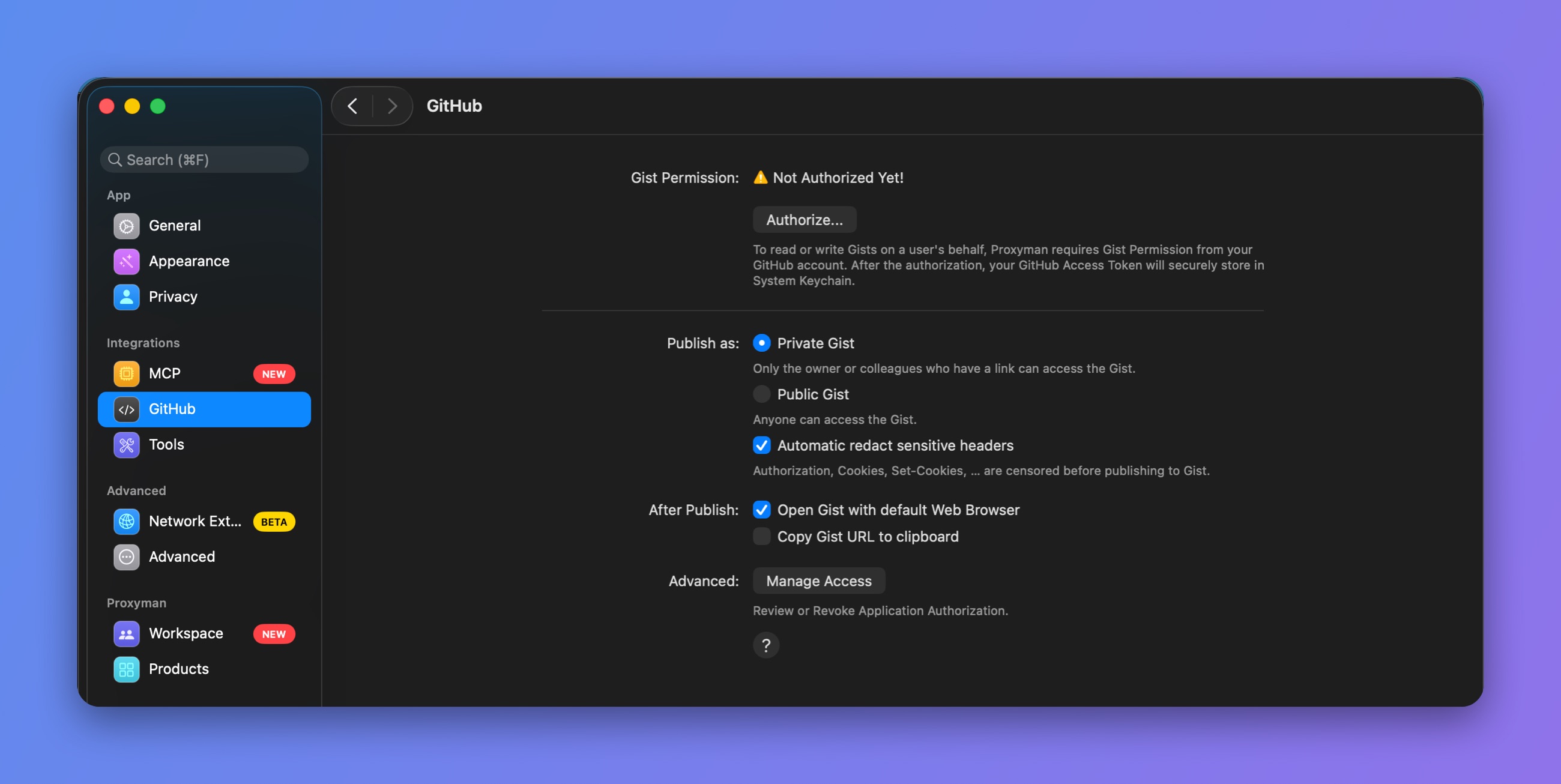
GitHub Gist settings
3. How to use
- Select your requests on the main table view
- Right-click to open the context menu -> Export -> Publish to Gist…
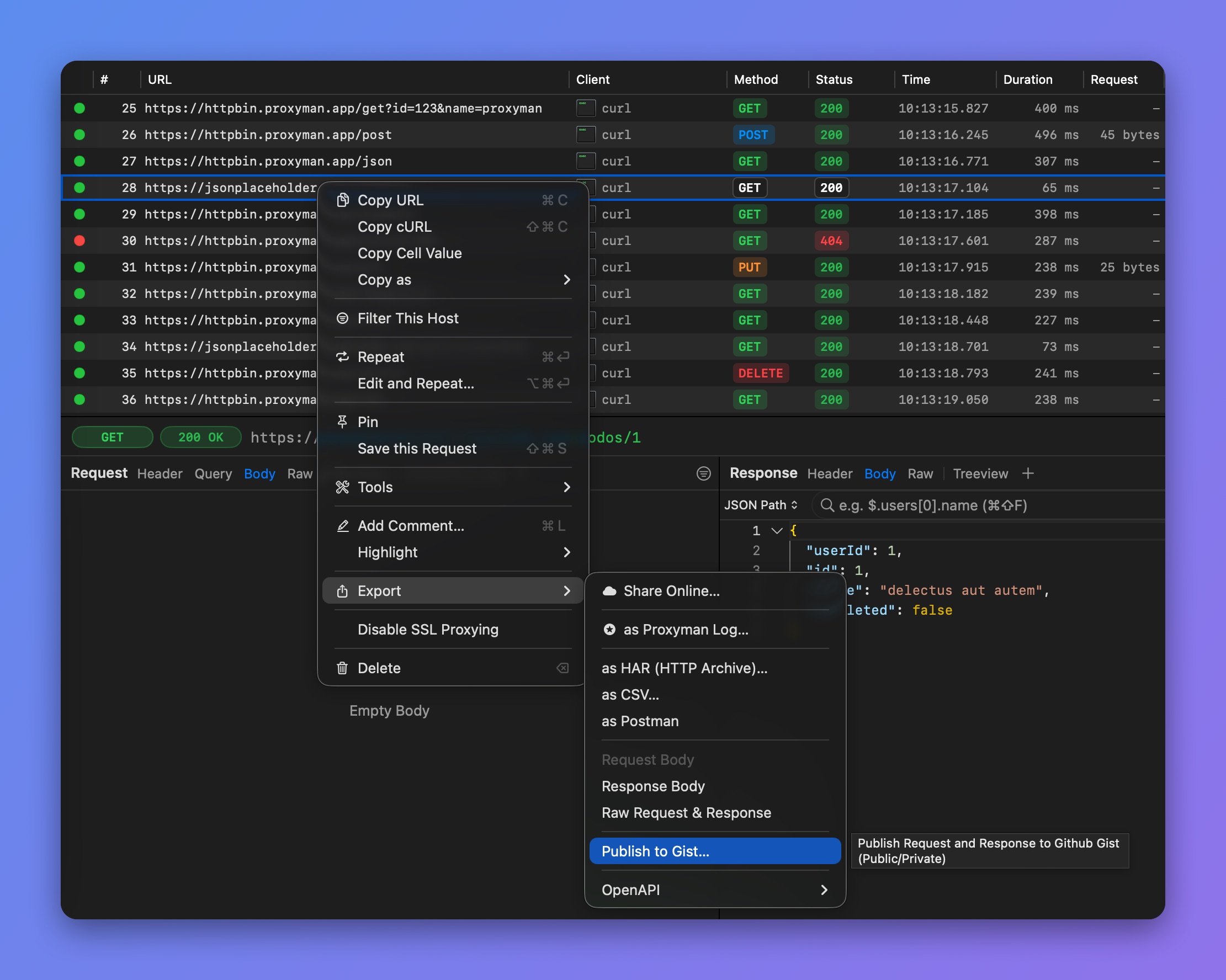
Export > Publish to Gist