Proxyman for iOS
Proxyman for iOS captures and decrypts HTTP and HTTPS traffic on your iPhone or iPad with a local VPN, with no Mac needed. See features and setup.
1. Proxyman for iOS
Features
- ✅ Capture all HTTP/HTTPS traffic from your iOS devices. No Mac required.
- Proxyman for iOS is a standalone app. It works independently of Proxyman for macOS.
- View HTTP/HTTPS requests and responses in plain text.
- Face ID and Passcode to protect your sensitive data.
- Share logs to Proxyman for macOS.
- Split View (two side panels) on iPad.
- Debugging tools: Map Local, Breakpoint, Block List, SSL Proxying List, No Caching.
- And more...
Download
- App Store: https://apps.apple.com/us/app/proxyman/id1551292695
- Requires iOS 17 or later
Screenshots
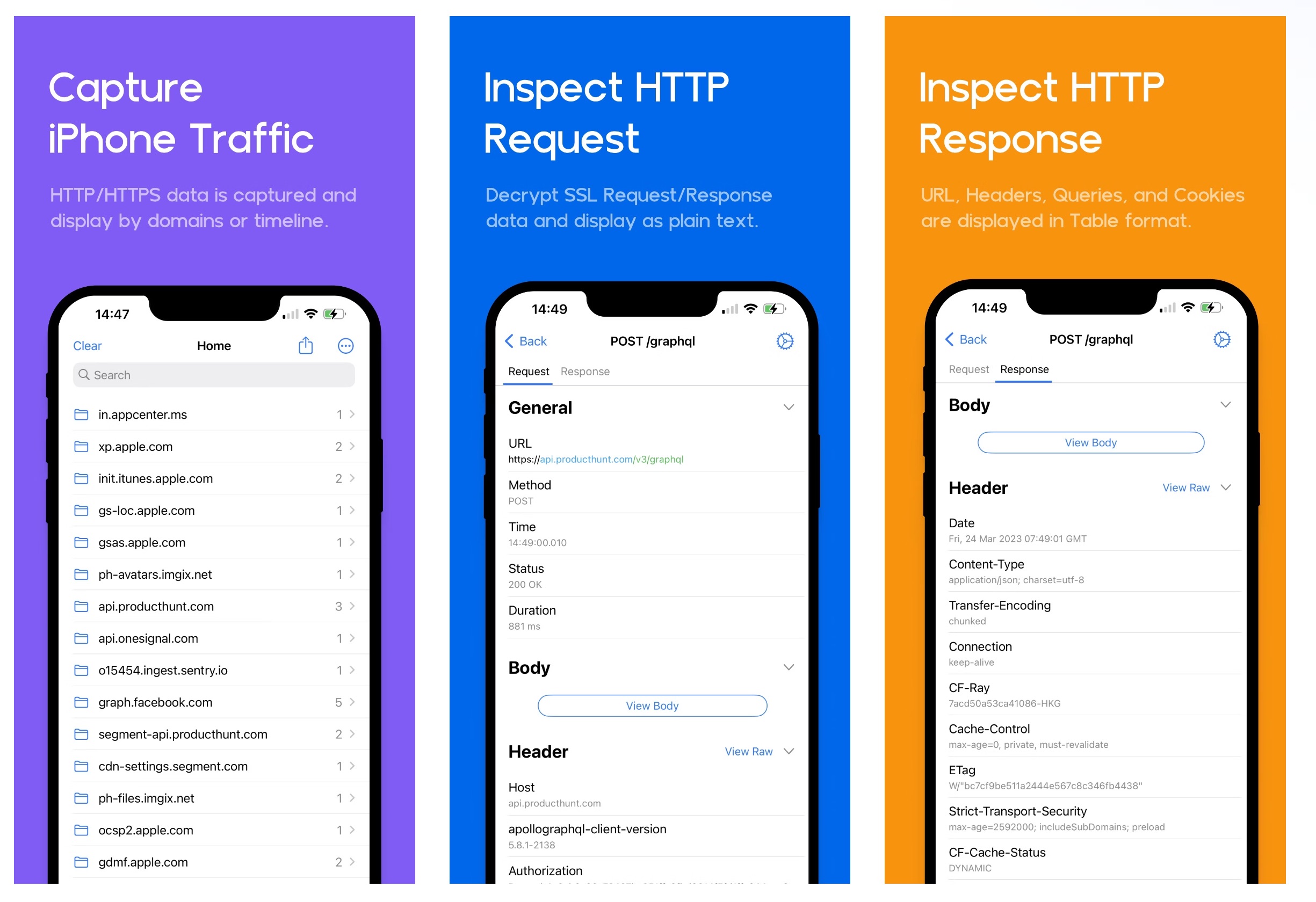
Capture iPhone traffic and inspect requests and responses
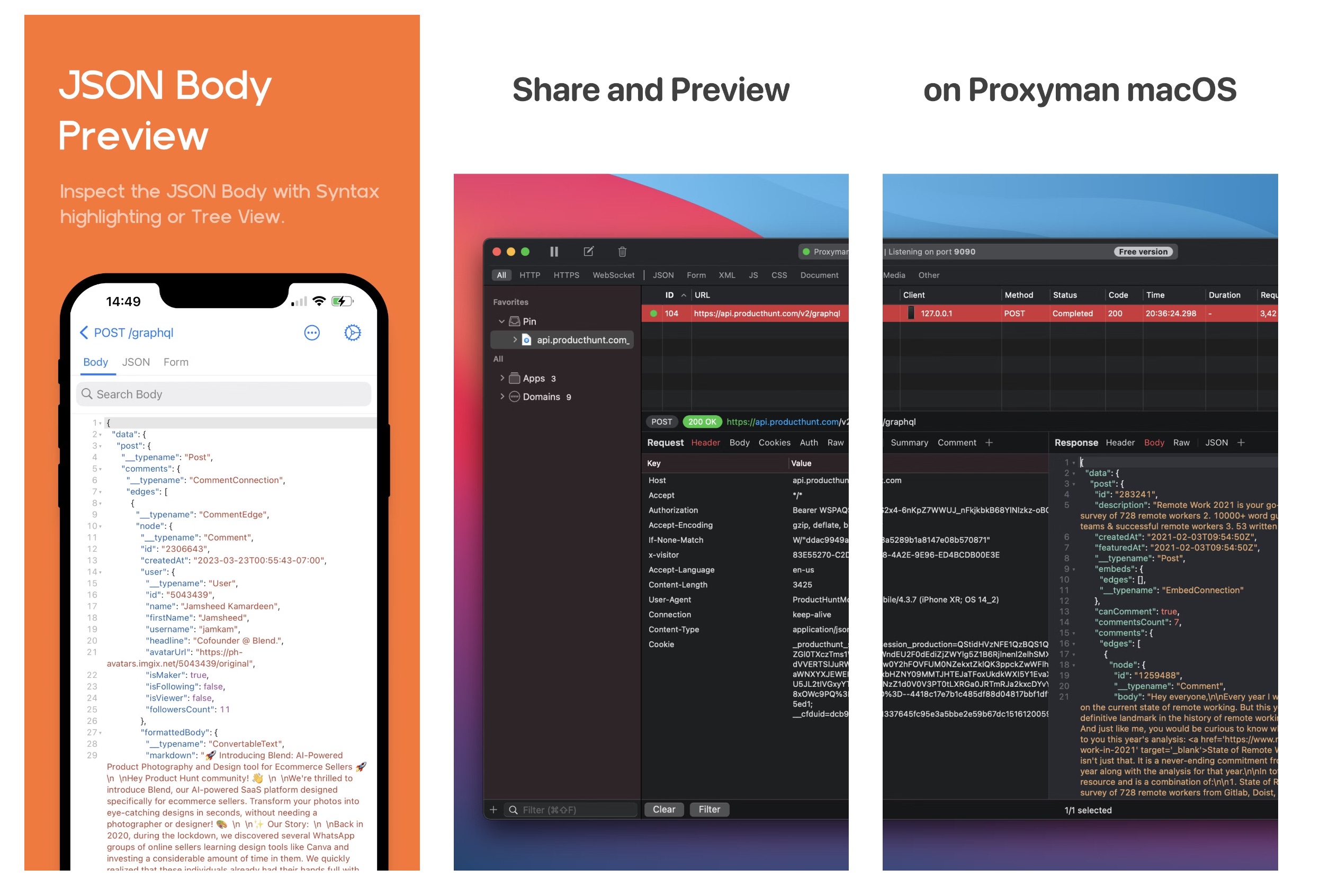
Preview a JSON body and share it to Proxyman for macOS
2. Proxyman VPN
How does it work?
Proxyman for iOS creates a local VPN on your device. Then it sends all traffic from your iOS device through a local Man-in-the-Middle server.
What data does Proxyman use?
- HTTP/HTTPS Request and Response data
Proxyman captures and decrypts HTTP/HTTPS data (including headers, body, URL, host, etc.) to show it in plain text.
2. Device Name
Proxyman uses it to generate a self-signed Root Certificate. Proxyman does not use pre-generated or shared certificates.
Proxyman records the request/response data and stores it in a local SQLite database on your iOS device.
Proxyman does not send your data to any remote servers or third parties.
Your data always remains private to you.
3. Activate Premium Proxyman for iOS
If you have a valid macOS license, you can activate Premium Proxyman for iOS. One seat covers 2 iOS devices.
To activate: download Proxyman for iOS from the App Store -> open the More tab (bottom-right of the tab bar) -> Face ID & Passcode -> Unlock -> enter your license key.