Command Palette
Open the Proxyman Command Palette with ⌘P to search and toggle debugging tools, open setup guides, and pin the actions you use most.
1. What's it?
The global Command Palette helps you:
- Quickly search debugging tools
- Turn debugging tools on or off
- Open setup guides for iOS devices, iOS Simulators, Android devices, and Android Emulators
- Pin your most-used actions
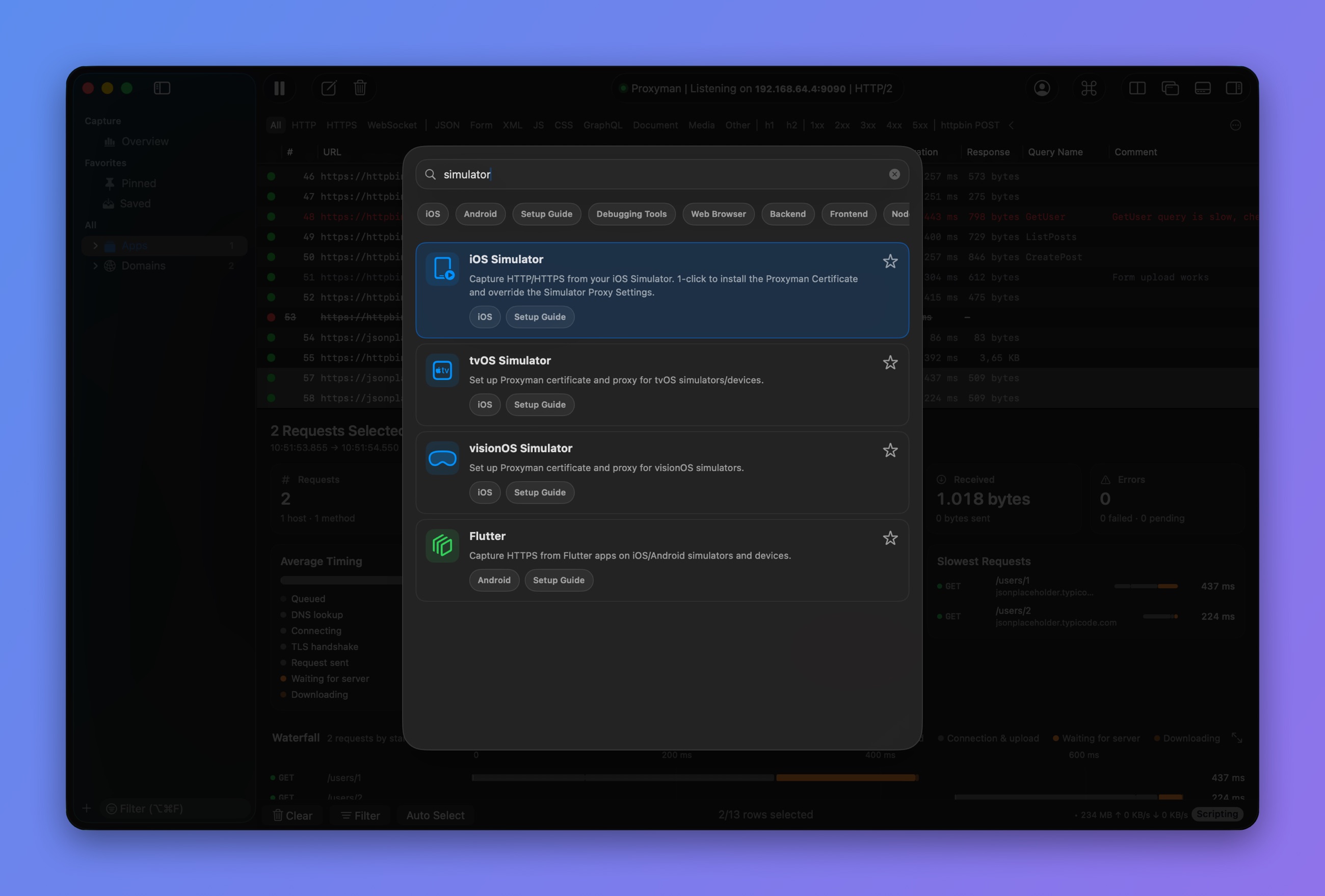
Search the Command Palette
tip
Press ⌘P, or select View → Show Command Palette, to open the Command Palette. In Proxyman 6.0.0 to 6.10.0, the shortcut is ⌘⇧P.
warning
Command Palette is available on Proxyman for macOS 6.0.0 or later.
2. Missing your shortcut?
If you can't find your shortcut in the Command Palette, please request it on our GitHub public issue tracker.