Charles Proxy Converter
Convert Charles Proxy .chls session files to HAR and open them in Proxyman, so you can keep working with traffic you captured in Charles.
1. What's it?
Proxyman can convert chls files from the Charles Proxy app to the har format, which Proxyman can read.
Charles Proxy must be installed on your Mac to convert chls files.
You can also convert files manually from the File menu -> Convert -> From .chls to .har.
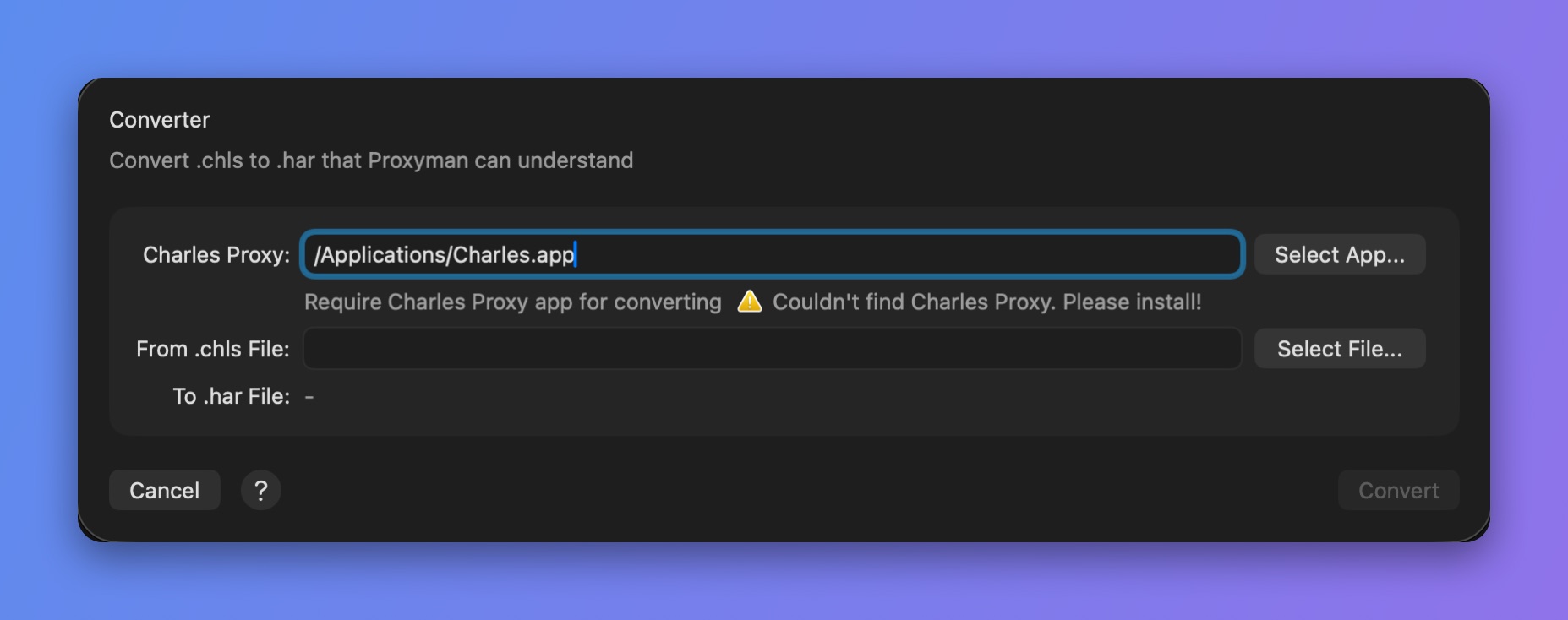
Convert .chls to .har
2. How does it work?
Proxyman uses the Charles Proxy command-line convert tool to convert .chls files to .har files, which Proxyman can read.
-
When you open a
chlsfile, Proxyman looks for the Charles Proxy app by its bundle ID:com.xk72.Charles -
Proxyman converts the file with the
convertcommand:
$ /Applications/Charles.app/Contents/MacOS/Charles convert ~/Desktop/input.chls ~/Desktop/output.har
3. The output is a har file. In this example, it's saved to your Desktop folder.
3. How to use?
There are several ways to open chls files:
- Open the
chlsfile directly (double-click the file, or use Open With in Finder) - Drag and drop the file into the Proxyman app
- File -> Open… and select the
chlsfile