License Manager
Use the Proxyman License Manager to check your license status, renew or extend your key, and remove old Mac or iOS devices from your seats.
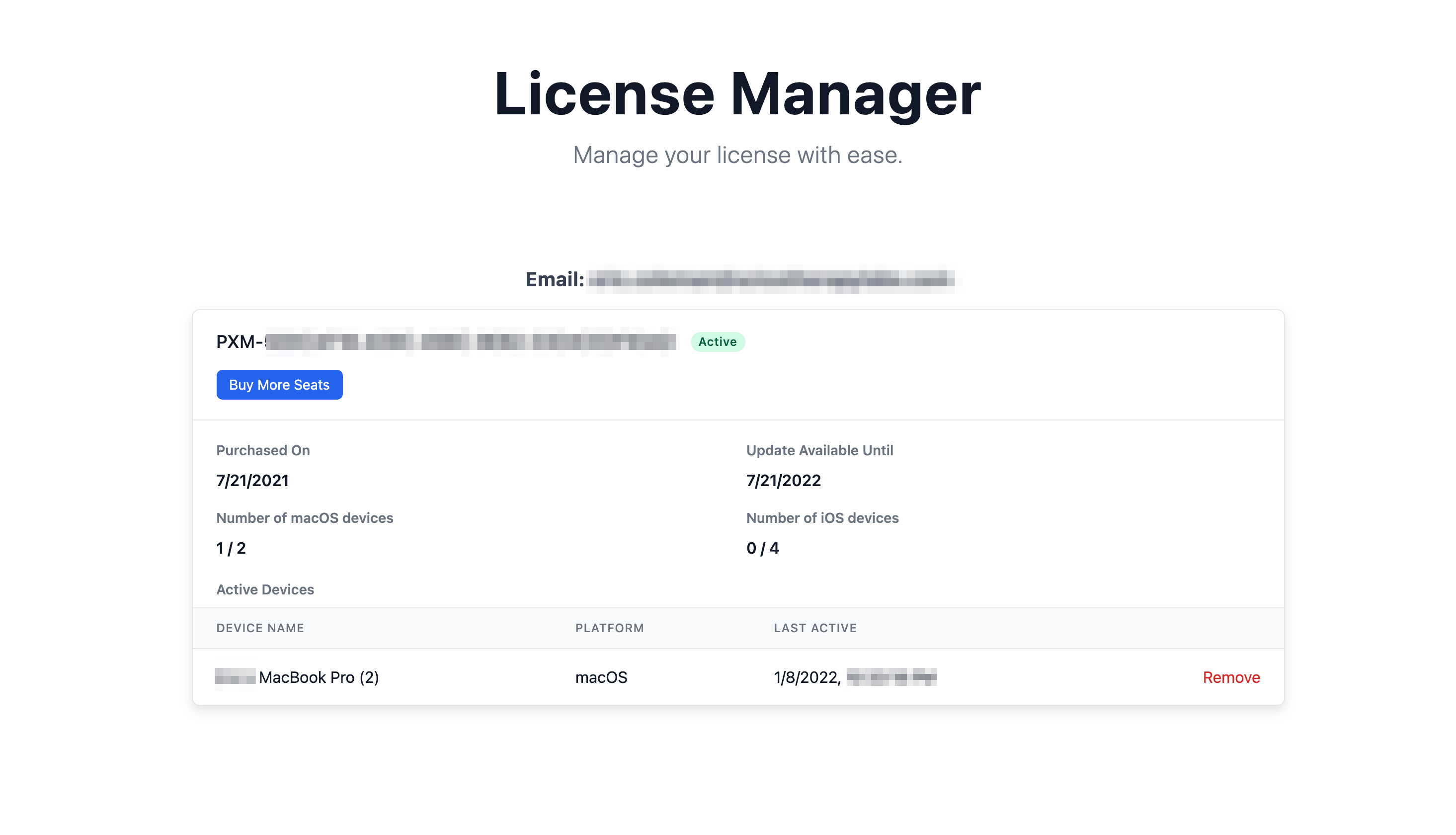
License Manager is an easier way to manage your license. It allows you to:
- See your License status (Purchase date, Expiry date, Number of Mac / iOS Seats)
- See a list of devices that are activated with your license key
- Renew / Extend your license key
- Remove Mac or iOS devices
How to use it?
- Open the Proxyman License Manager
- Enter the email that you used to buy the license key.
- You will receive an
Access Linkby email. - Open it to access the License Manager.
info
If you don't remember which email you used to buy your Proxyman License, please contact us at support@proxyman.com