Save Session
Use Proxyman Save Session to save captured requests, responses, apps, domains, and devices to a file you can reopen later or share with teammates.
1. What's it?
It's a handy tool to save your entire working session, so you can open it later without losing any debugging information, including:
- All Request and Response flows
- All Apps and Domains
- All Remote Devices
2. What's for?
- Save the entire session and open it later
- Share your debugging session with your QA team or teammates
3. How to use?
3.1 Save current Session
- File menu -> Save Session…, then select the save location.
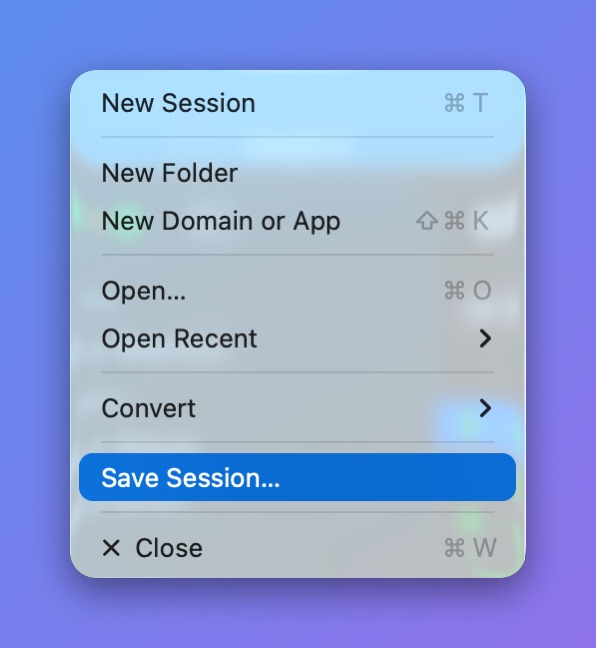
File > Save Session
3.2 Restore previous Session
- File menu -> Open… or Open Recent