Edit & Repeat
Use Proxyman Edit & Repeat to change the URL, query, headers, or body of a captured HTTP request, send it again, and check the new response.
1. What's it?
Edit & Repeat is a handy tool to test an endpoint directly in the Proxyman app, without making a new request from your browser or client app.
- Quickly change the Query, Header, or Body of the selected request and test the response from the server.
- Easily reproduce a server bug with a different set of parameters.
- Supports Form and JSON formats.
- Edit the Raw Message.
- Review the response data on the right panel (Proxyman 3.6.0+).
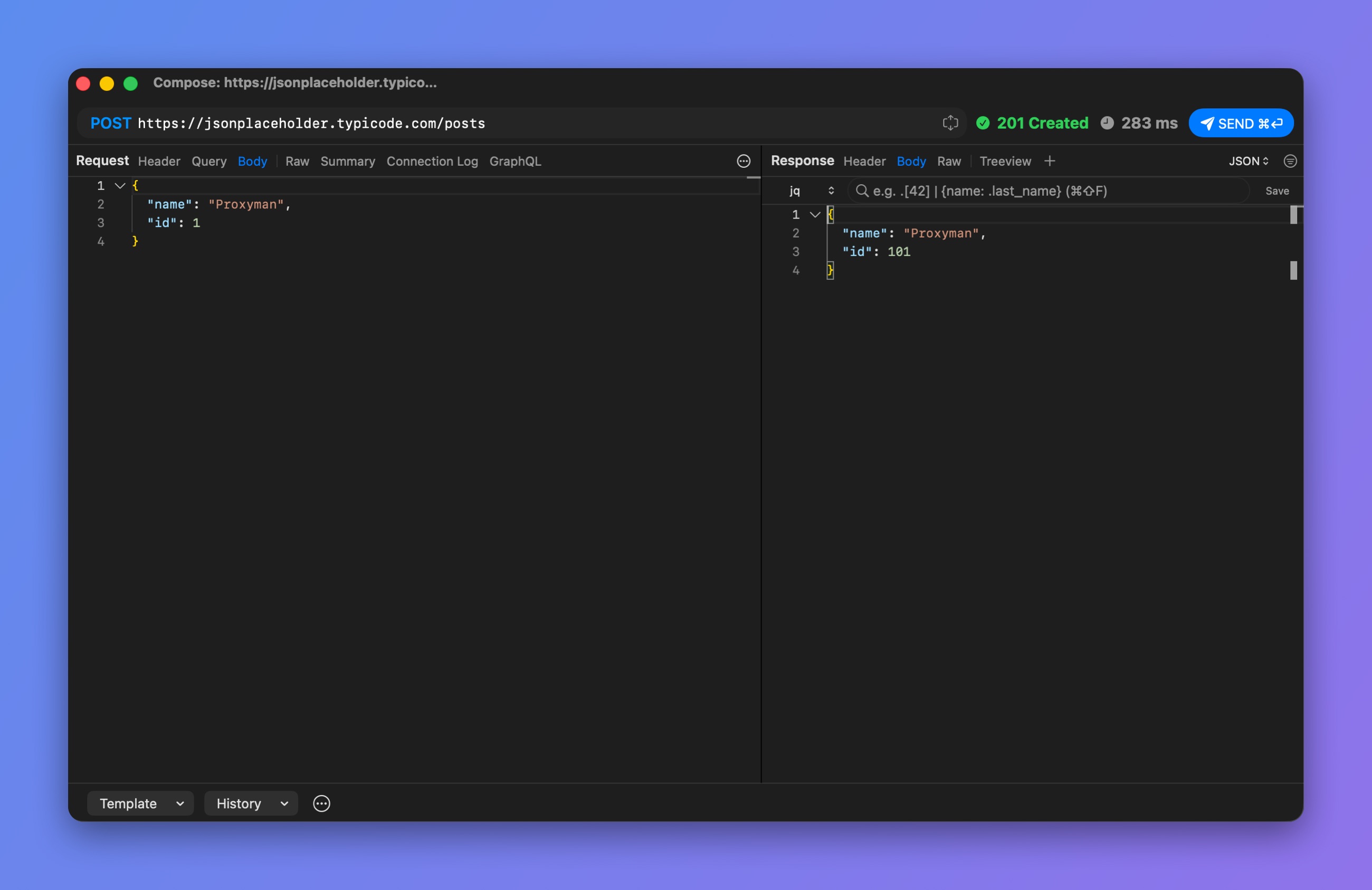
Edit the request and check the response
2. How to use it?
- Select your request -> Right-click -> Edit and Repeat… (⌥⌘⏎)
- Proxyman keeps the request data (Header, URL, Query, Body), so it's ready to edit.
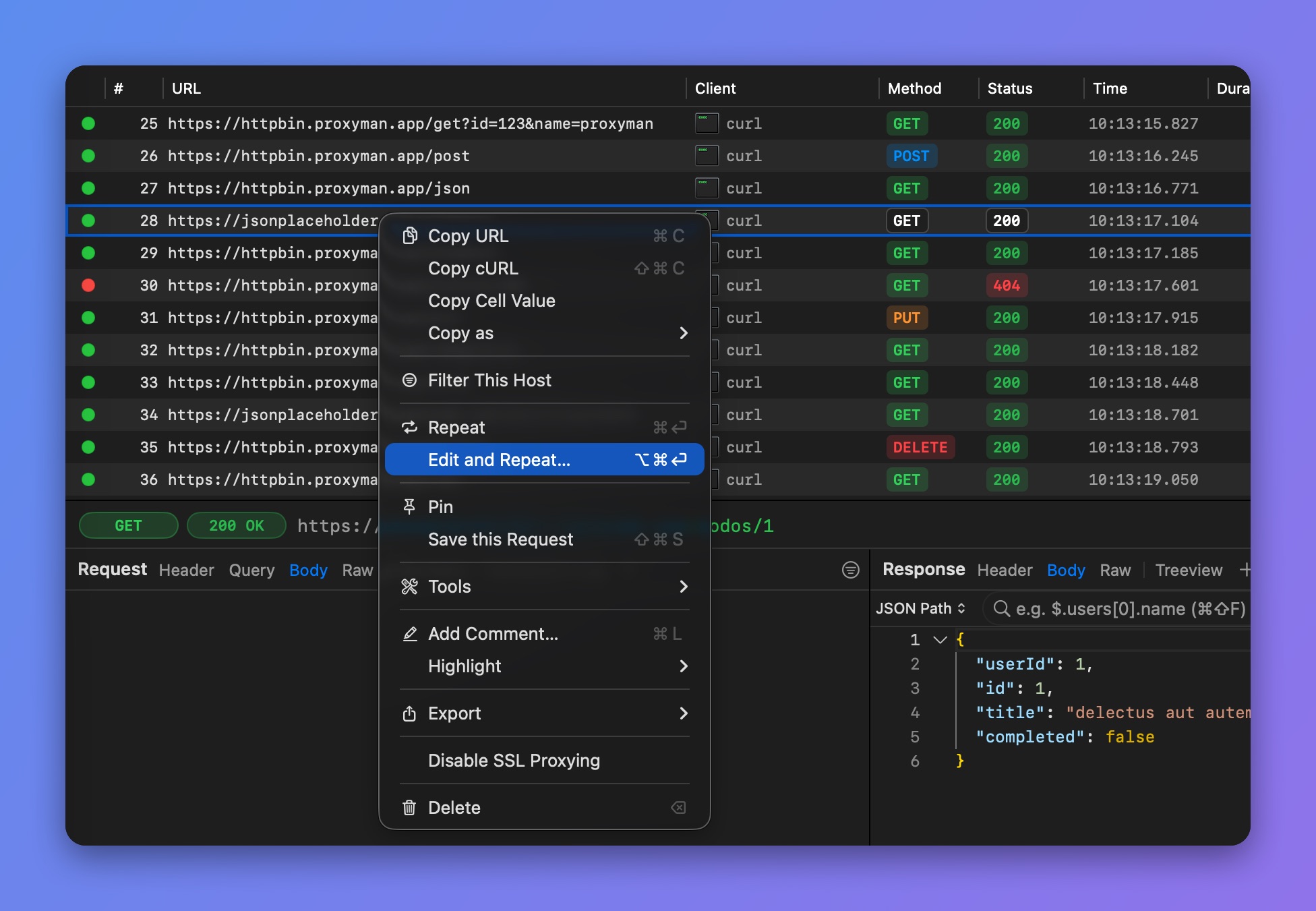
Right-click > Edit and Repeat