Horizontal/Vertical/Window Layout
Change the Proxyman workspace layout: dock the Request and Response panels to the bottom or right, open them in a separate window, or hide the sidebar.
To compare two traffic lists in the same tab, use Split View. To organize traffic across tabs, use Tab View. The controls below change the Request and Response inspector layout.
You can change the layout of the Request and Response panels to make more room for the content.
- Detachable Window: Move the Request and Response panels to a separate window
- Vertical: Show the Request and Response panels on the right of the request list
- Horizontal: Show the Request and Response panels below the request list

Layout buttons in the toolbar
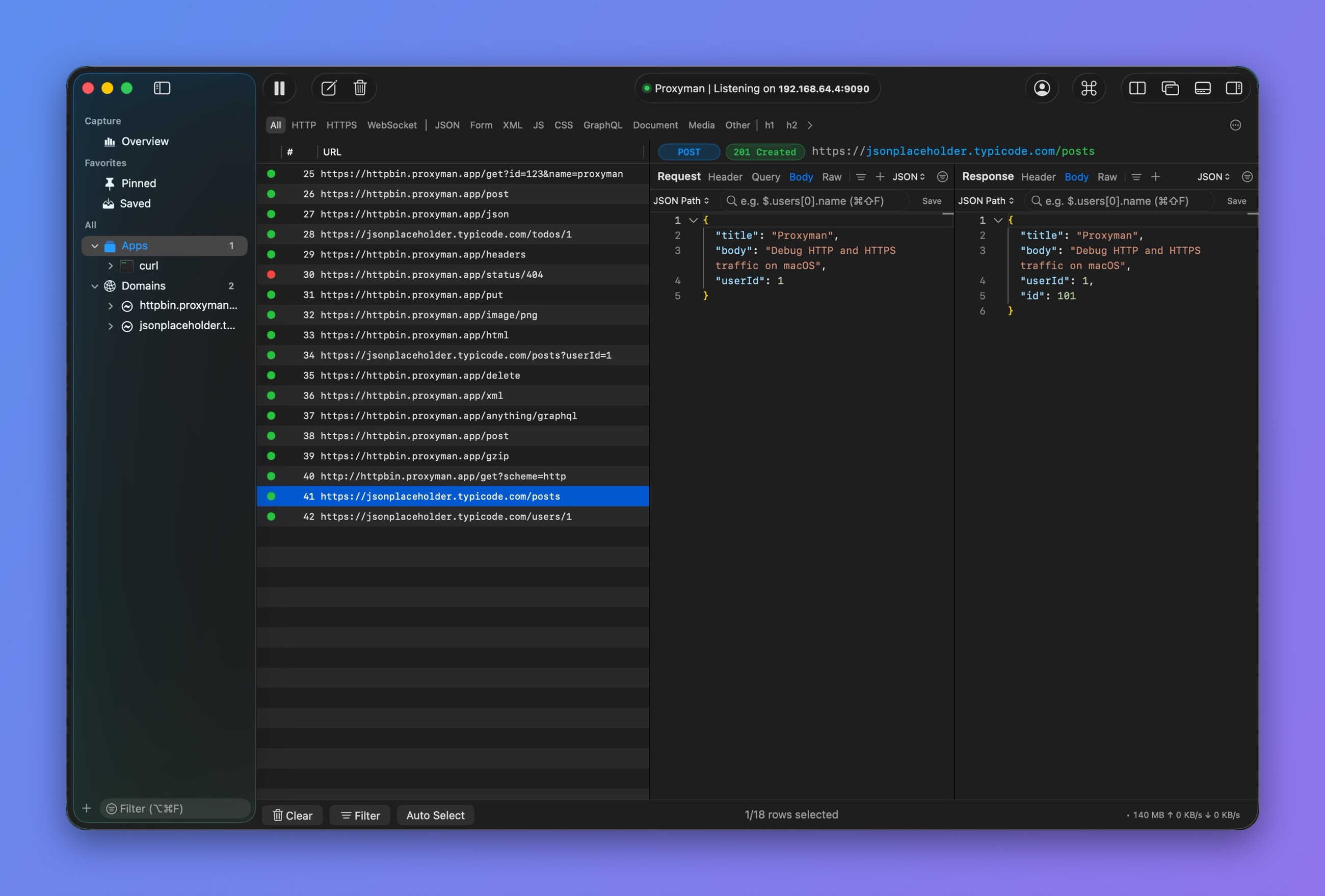
Vertical layout
You can also use these shortcuts or the View menu:
| Shortcut | View menu | Description |
|---|---|---|
| ⌃⌘↑ | Detach Content Windows | Detachable Window |
| ⌃⌘[ | Toggle Source List Panel | Toggle Left Panel |
| ⌃⌘\ | Toggle Dock to Right Window | Vertical Mode |
| ⌃⌘] | Toggle Dock to Bottom Window | Horizontal Mode |