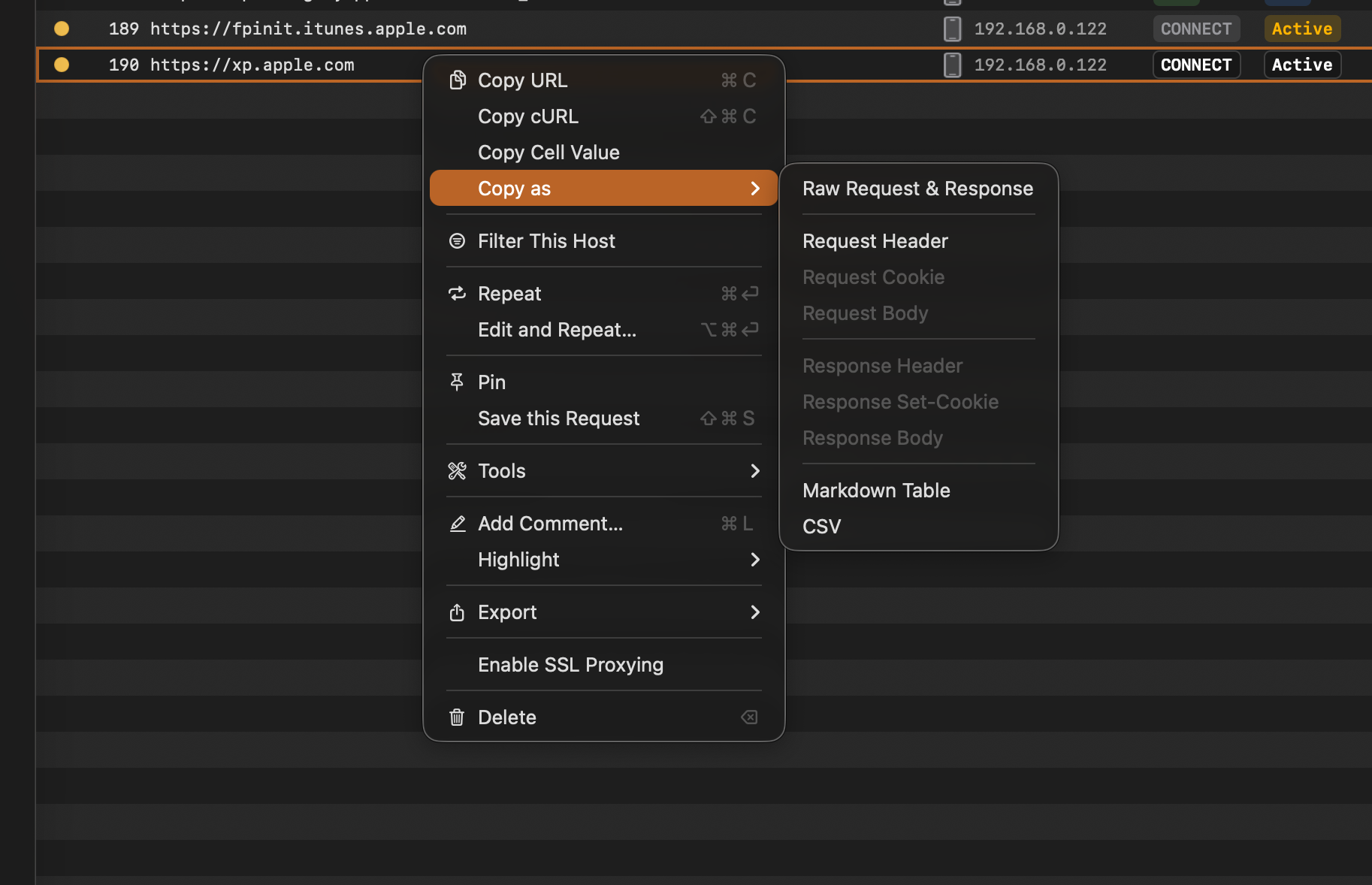
Copy as
Copy requests and responses in Proxyman as a URL, cURL command, Markdown table, CSV or raw text, or copy just the headers, cookies or body.
Proxyman offers various Copy functions from the right-click context menu:
- Copy URL (⌘C): Copy the URL of the selected flow.
- Copy cURL (⇧⌘C): Generate a cURL command, which includes headers, cookies, query, and body.
- Copy Cell Value: Copy the string value of the right-clicked cell.
- Copy as: Cookies, Header, Body from Request and Response.
- Supports Markdown Table, CSV, and Raw Request & Response.