Localization
Change the Proxyman app language to English, Chinese, Japanese, Portuguese, or Spanish, and help improve the app translations on GitHub.
1. What's it?
Proxyman is localized, so the whole app UI can show in your language. The current languages are:
- English (Default)
- Chinese - Simplified
- Japanese
- Portuguese - Brazil
- Spanish - Latin America
Japanese, Portuguese, and Spanish are available from Proxyman 6.17.0.
2. How to change the app language?
By default, Proxyman uses your macOS system language. To change it:
- Open Proxyman Settings (⌘,) → General → App Language and select a language. Proxyman offers to open System Settings for you.
- In System Settings → General → Language & Region, under Applications, add Proxyman and choose a language.
- Relaunch Proxyman to apply the change.
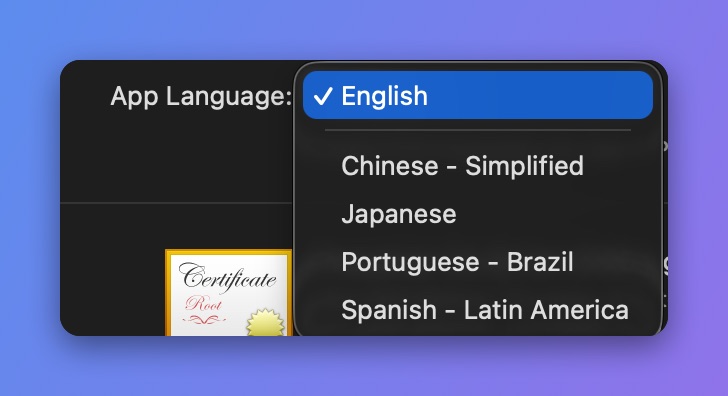
Pick an app language
3. Improve localization?
If you find a poor translation in your language, please help us improve it on GitHub at ProxymanApp/proxyman-localization.