iOS 16 and iOS 17 issues
iPhone ignores the Wi-Fi proxy and Proxyman captures no traffic on iOS 16, 17, 18 or 26? Learn how to test for this iOS bug and fix it with Forget This Network.
1. Problem
- iOS 16 or iOS 17 physical devices can't set the HTTP proxy to Proxyman in Settings app -> Wi-Fi -> Your Wi-Fi -> Configure Proxy -> Manual.
- Proxyman might not capture the traffic from iOS 16/17 devices.
=> It's an Apple bug.
This issue happens with Charles Proxy, Wireshark, Fiddler Everywhere, and other web debugging proxy apps too.
Some users report that it's fixed on iOS 16.3 and later ✅
iOS 17 might have the same problem. Forget This Network might fix it.
The same test and fix apply to iOS 18 and iOS 26. The Wi-Fi proxy settings are in the same place, so follow the same steps.
See Section 4 for details.
2. How do I know it's a bug from Apple, not Proxyman?
You can test it with these steps:
- Quit the Proxyman app.
- On your iPhone (iOS 16 or later), open the Settings app -> Wi-Fi -> Your Wi-Fi -> Configure Proxy -> Manual.
- Set any random IP, for example 192.168.3.111.
- Set any random port, for example 9999.
- Save.
- Open the Safari app and visit https://google.com.
- Check whether you can access the internet.
The IP and port are invalid, so the page should not load. If you can still access the internet, the iPhone is ignoring the proxy, which means it's Apple's bug 🆘
3. Solution for iOS 16.3 or earlier
- Forget the Wi-Fi network and restart the device. It might help.
- Use the Atlantis framework to inspect the network.
- Try an iOS 15 physical device.
- Try the iOS 16 Simulator.
4. Solution for iOS 16.3, iOS 17 or later
These steps also work on iOS 18 and iOS 26.
- Settings app -> Wi-Fi -> Your Wi-Fi -> Forget This Network.
- Connect to the Wi-Fi again. Then open Settings app -> Wi-Fi -> Your Wi-Fi -> Configure Proxy -> Manual -> enter the IP and port -> Save.
- Double-check the Configure Proxy setting.
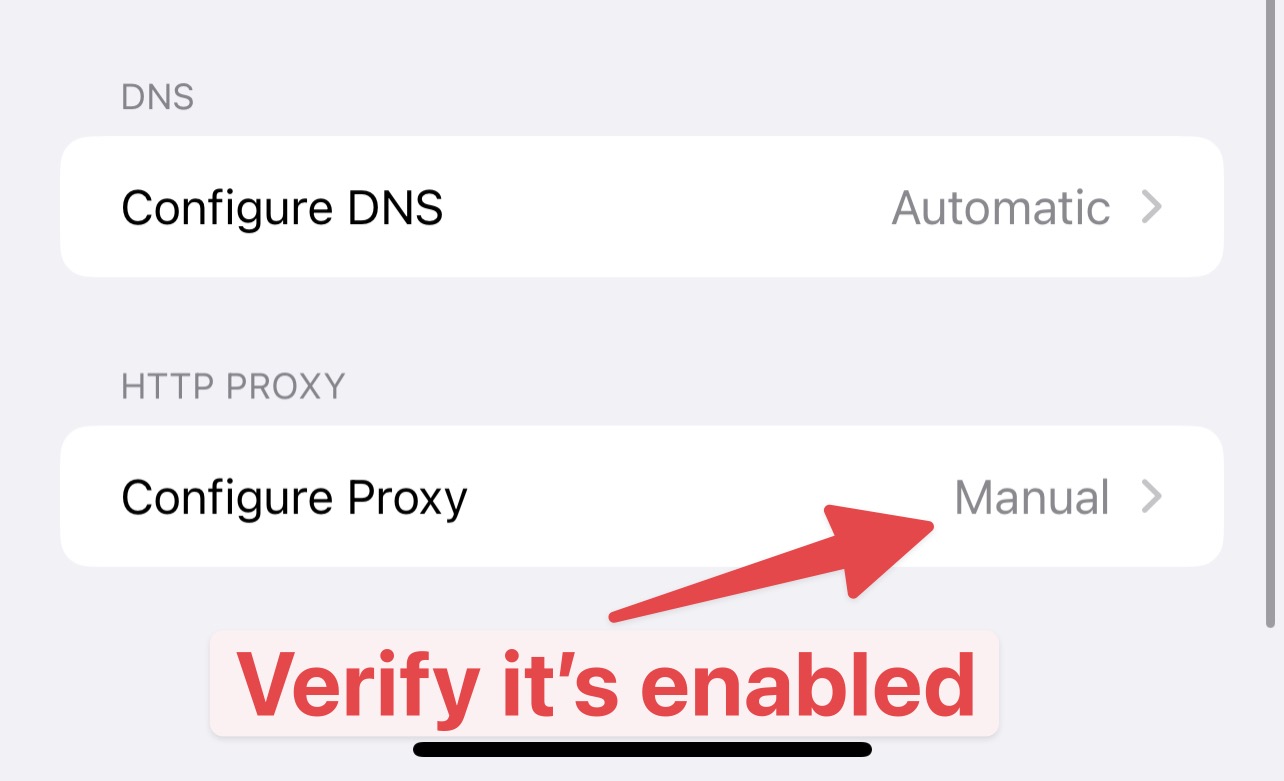
Configure Proxy must show Manual
- Make sure it shows
Manual. If it showsOff, set it again and save. Sometimes, the proxy setting is not saved.