Raycast
Control Proxyman from Raycast. Install the Proxyman Raycast extension to toggle the system proxy, debugging tools and recording with a few keystrokes.
Raycast Store
Proxyman macOS 5.10.0 or later supports Raycast commands, so you can control Proxyman quickly from Raycast:
- Toggle System Proxy
- Toggle Map Local Tool
- Toggle Breakpoint
- Toggle Blocklist
- Toggle Allowlist
- Toggle Map Remote
- Toggle Scripting
- Toggle External Proxy
- Toggle SOCKS Proxy
- Toggle Network Condition
- Toggle SSL Proxying List
- Toggle Record Traffic
- Clear Session
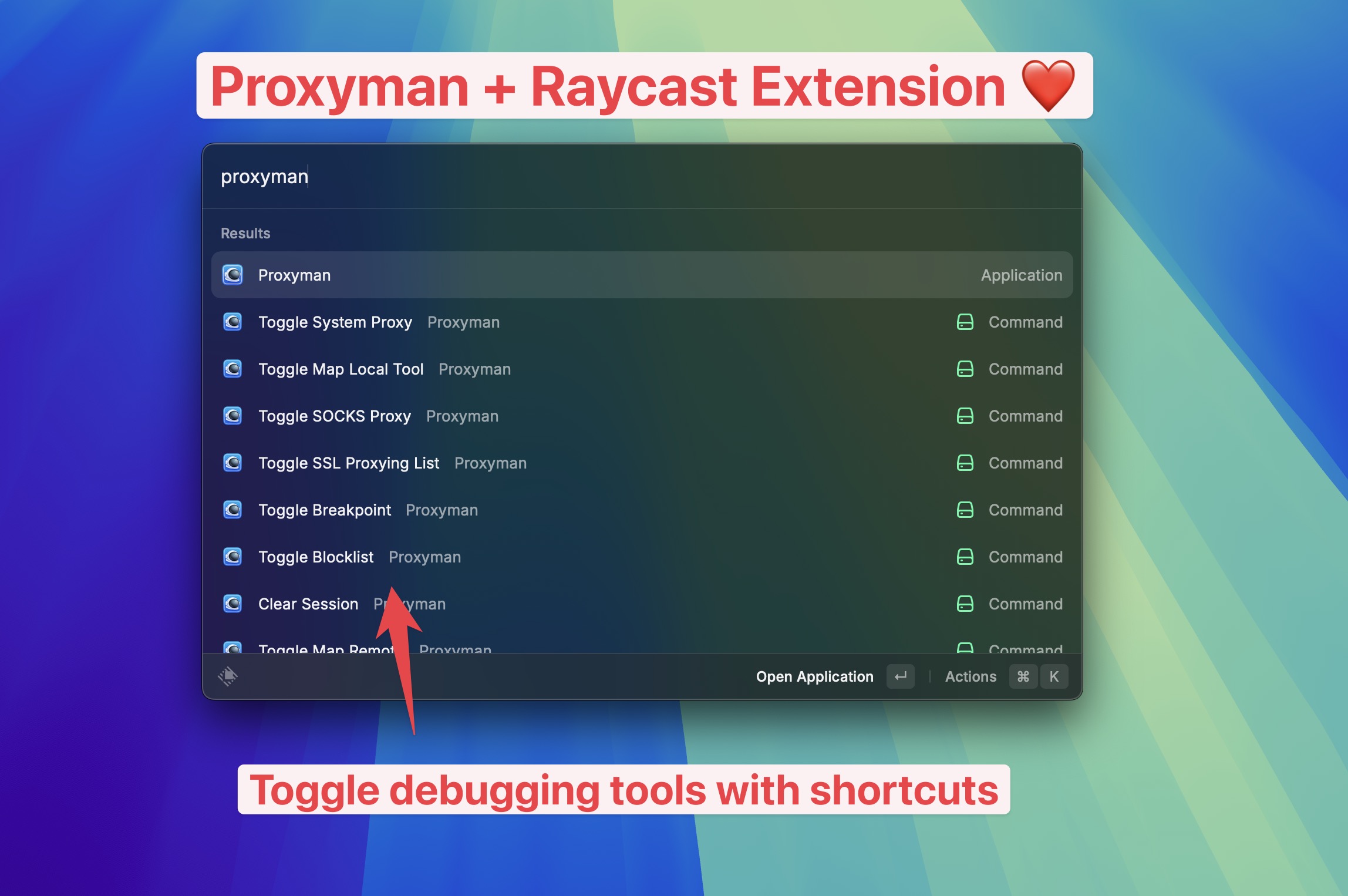
Proxyman and Raycast
You can also control Proxyman from Terminal or your own scripts with the Proxyman command-line tool.
Download
- Store: https://www.raycast.com/noah_tran/proxyman
- Click the button below 👇