No Caching
Use Proxyman No Caching to strip and override cache headers, so your app always gets the latest HTTP response from the server instead of a cache.
1. What's it?
No Caching prevents the server or client from caching your requests and responses, so you always get the latest change from the server.
The No Caching tool affects all HTTP requests and responses, and HTTPS traffic that has SSL Proxying enabled.
2. What's for?
- When you would like to see the latest HTTP Response changes from the server or client and ignore all caching layers.
3. How it works
The No Caching tool changes every request and response by adding or removing the caching HTTP headers in the following table.
| HTTP Message | Remove | Add |
|---|---|---|
| Request | If-Modified-Since and If-None-Match | Pragma: no-cache and Cache-control: no-cache |
| Response | Expires, Last-Modified, and ETag | Expires: 0 and Cache-Control: no-cache |
4. How to use
- Enable it in Tools menu -> No Caching
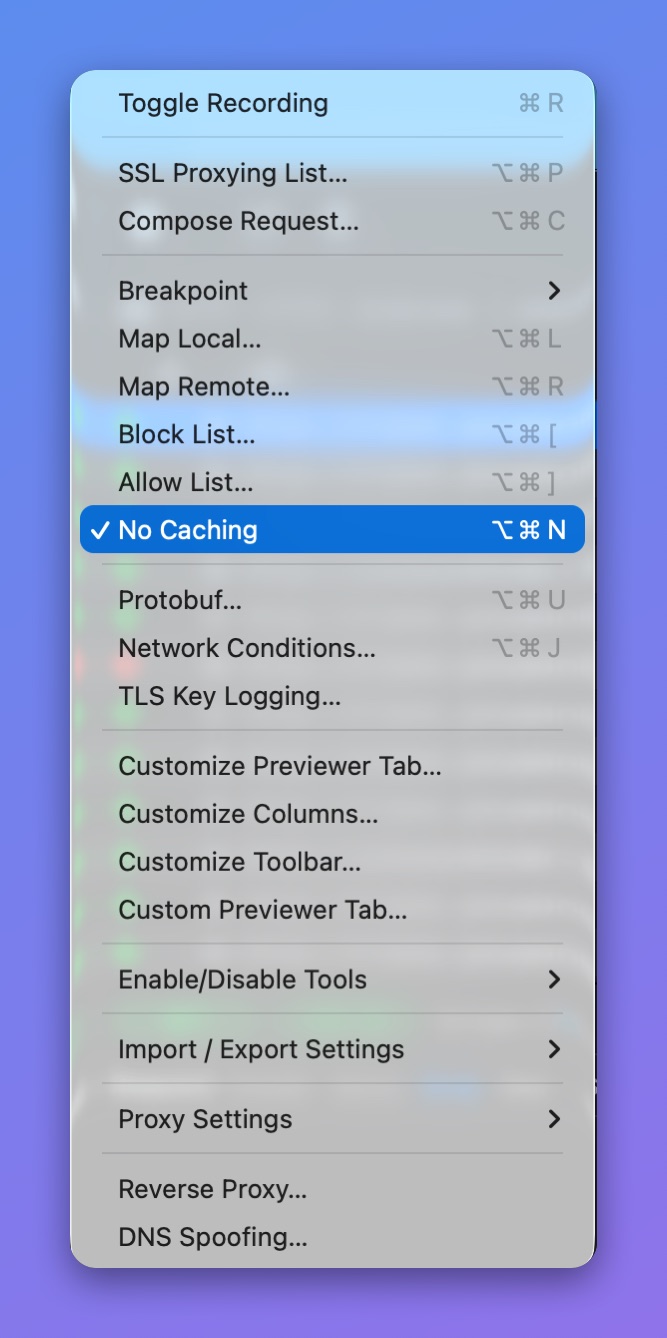
Tools menu > No Caching
- When it's on, a No Caching badge shows at the bottom right of the main window.
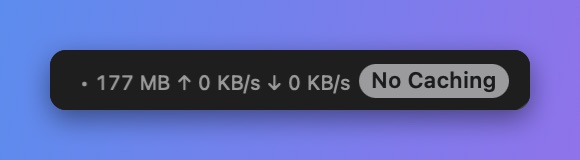
No Caching badge
info
⌥⌘N: Toggle the No Caching Tool.