Allow List
Use the Proxyman Allow List to capture only the domains you choose and let all other traffic bypass Proxyman, so you can focus on your own APIs.
1. What's it?
The Allow List tool lets you define which domains are allowed to appear in the Proxyman app.
Requests that don't match a rule don't go through Proxyman (they bypass it).
It's useful in the following situations:
- Ignore all domains except the ones you are debugging (e.g. producthunt.com)
- Reduce the number of unnecessary requests and focus on the domains you need to track
If you would like to block certain domains, use the Block List instead.
2. How to use?
- Tools menu -> Allow List…
- Right-click on the selected request -> Tools -> Allow List…
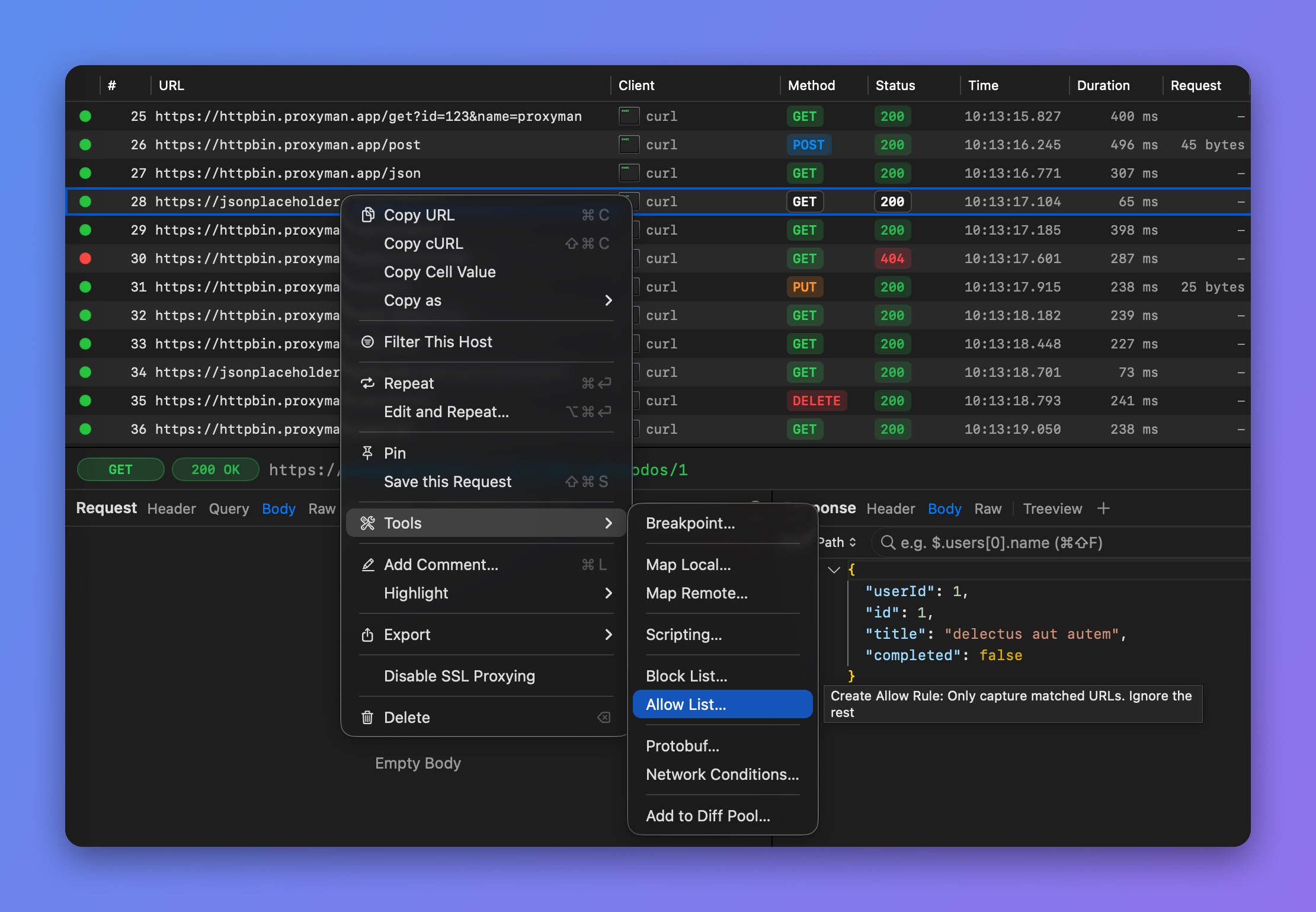
Right-click > Tools > Allow List
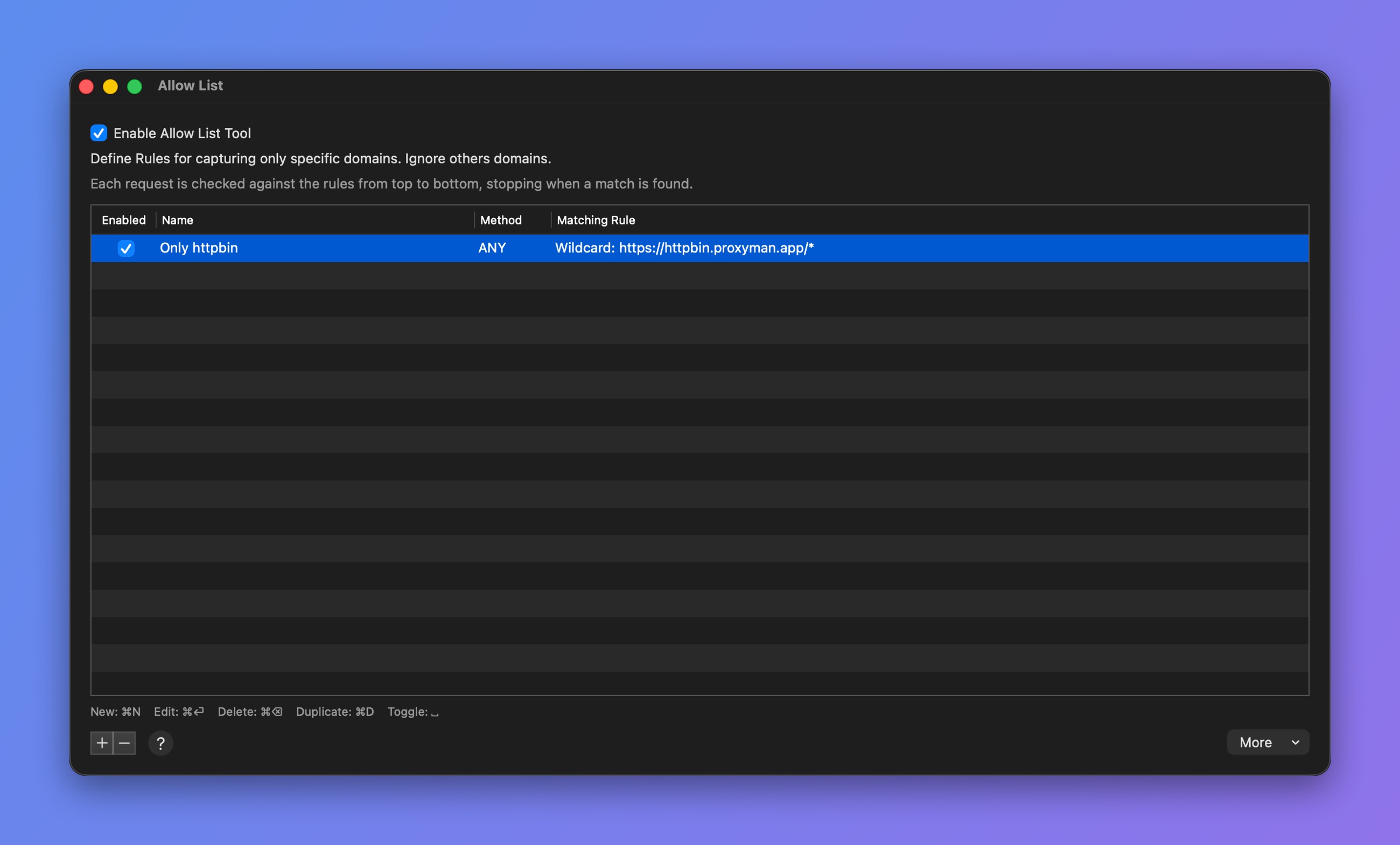
Allow List window
tip
Press ⌥⌘] to quickly open the Allow List window.