Bypass Proxy List
Use the Proxyman Bypass Proxy List to choose domains that skip the proxy, with wildcard matching, so you can hide noise and avoid SSL pinning errors.
1. Bypass Proxy List
The Bypass Proxy List helps developers to:
- ✅ Define a list of domains that never go through the Proxyman proxy server
- Ignore noisy traffic
- Avoid SSL errors caused by SSL Pinning when the traffic goes through Proxyman
2. How to use it?
- Open the Bypass Proxy List from Tools → Proxy Settings → Bypass Proxy Settings…. You can also open Tools → SSL Proxying List… and click Bypass Proxy Setting…
- Enter your list of domains, separated by commas. Simple wildcards (
*and?) are supported.
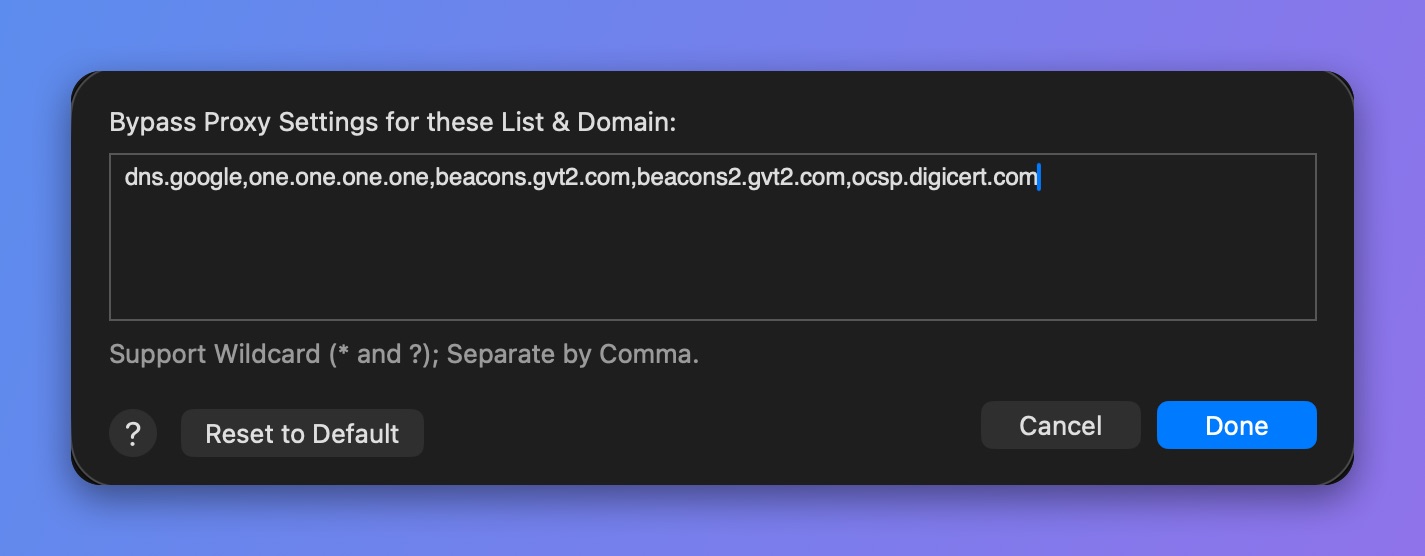
Define the Bypass Proxy List
3. How does it work?
- As soon as Proxyman launches, it replaces your system Bypass Proxy List with the Proxyman list. You can find the system setting in System Settings → Wi-Fi → Details… (next to your network) → Proxies → Bypass proxy settings for these hosts & domains.
- When you quit the app, Proxyman restores your original setting.